Vibe Coding Notifications: How to Use Courier with Cursor or Claude Code
Kyle Seyler
January 22, 2026
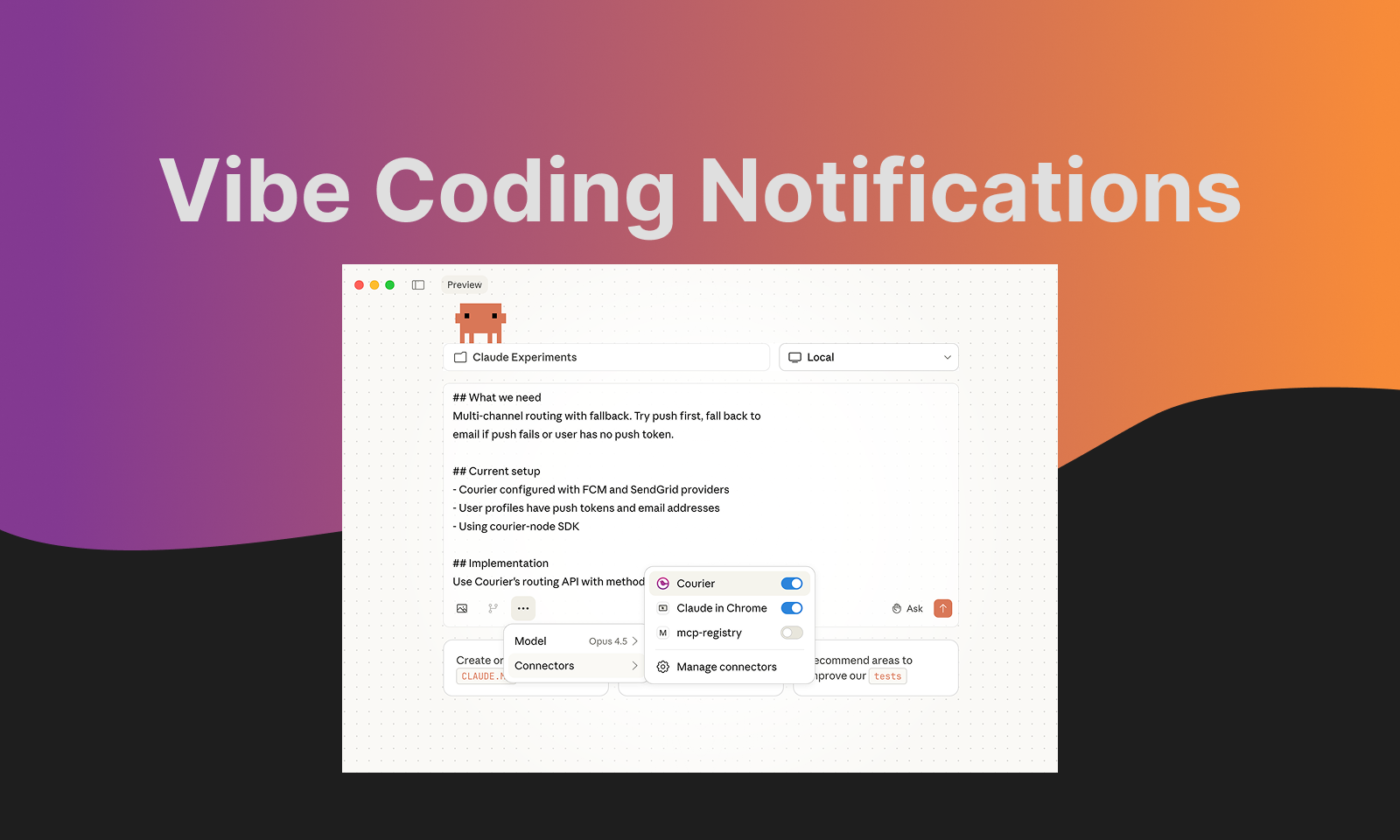
Vibe Coding Notifications: How to Use Courier with Cursor or Claude Code
Read Time: 8 Minutes
Building apps with Cursor, Claude Code, or Codex changes how quickly you can ship features. UI components, API integrations, database schemas—AI coding tools handle these faster than ever. But when you prompt "add multi-channel notifications to my app," something interesting happens.
The AI generates basic send functions quickly. Then it starts scaffolding routing logic, fallback handling, delivery tracking, template management. The generated code keeps growing. You're suddenly reviewing hundreds of lines of infrastructure you didn't plan to maintain.
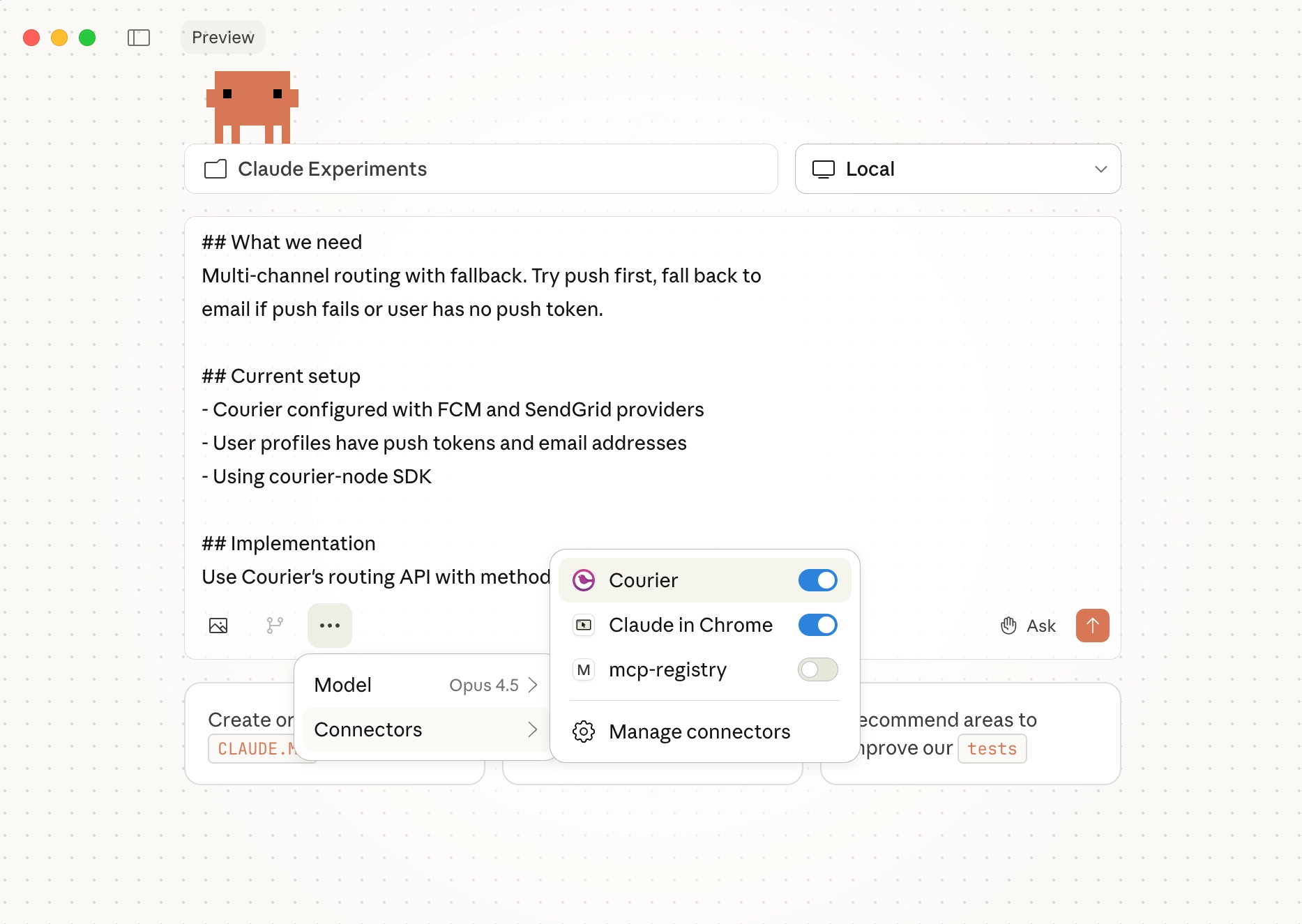
This guide covers a better approach: connecting Cursor to Courier's MCP server so it generates working notification code against your actual account, not generic examples.
The Problem with AI-Generated Notification Code
Without context about your specific setup, AI coding tools default to building notification infrastructure from scratch. They don't know what templates you've already created, what providers you've configured, or how your user data is structured.
The result is generic code that needs adaptation. You end up debugging generated abstractions instead of shipping features.
MCP (Model Context Protocol) solves this by giving AI tools direct access to your Courier account. Cursor can see your templates, check delivery logs, and generate code that matches your actual configuration.
Step 1: Connect Courier MCP to Cursor
Add the MCP server to your Cursor config:
Copied!
// .cursor/mcp.json{"mcpServers": {"courier": {"url": "https://mcp.courier.com","headers": {"api_key": "YOUR_COURIER_API_KEY"}}}}
For Claude Code:
Copied!
claude mcp add --transport http courier https://mcp.courier.com --header api_key:YOUR_COURIER_API_KEY
Get your API key at app.courier.com/settings/api-keys.
What changes once MCP is connected: Cursor can now query your actual Courier account. It sees your templates, users, and delivery history. When you ask it to "send a password reset notification," it checks which templates exist and generates code using the right template ID—not a placeholder.
Step 2: Validate Your Setup with the CLI
Before asking Cursor to generate implementation code, verify that your Courier configuration works. The CLI lets you test notifications without writing code.
Copied!
npm install -g @trycourier/clicourier login
Send a test notification:
Copied!
courier send \--user user_123 \--title "Test notification" \--body "Testing from CLI"
Check delivery logs:
Copied!
courier logs --user user_123
List your templates:
Copied!
courier templates list
If notifications deliver successfully from the CLI, your provider configuration is correct. Now Cursor can generate code with confidence that the underlying setup works.
Step 3: Prompt with Context
With MCP connected and your setup validated, Cursor has everything it needs. Here's how to prompt effectively:
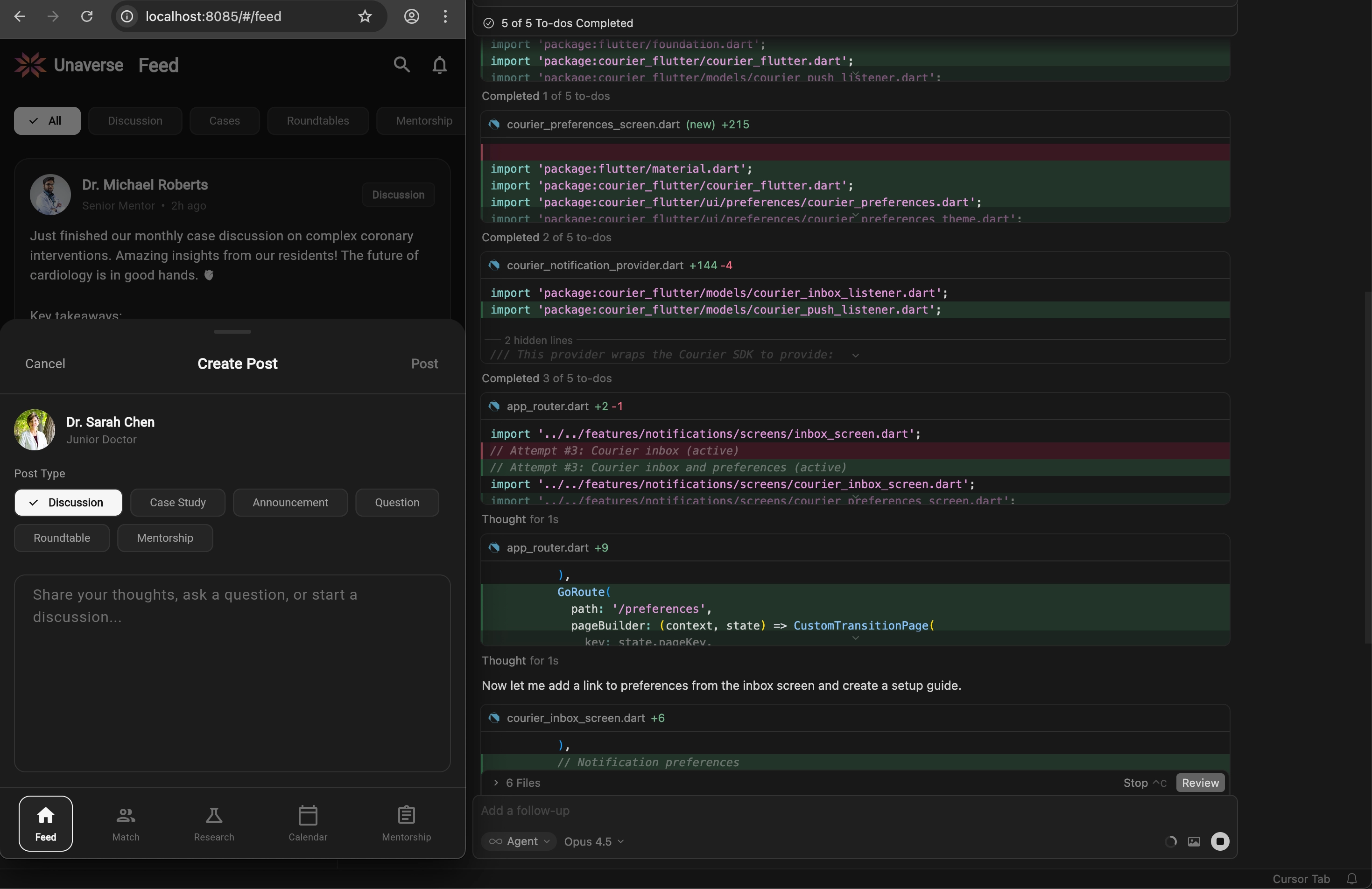
Check what you have: > "Show me my notification templates in Courier. Which one handles order confirmations?"
Build against existing templates: > "Create a function that sends the ORDER_SHIPPED template to a user. Include the tracking URL in the data payload."
Debug delivery issues: > "The notification to user_456 didn't arrive. Check Courier logs and tell me what failed."
Add new templates: > "Create a Courier template called COMMENT_NOTIFICATION for when someone comments on a post. Send to push first, fall back to email."
The key difference from prompting without MCP: Cursor validates against your actual account. If you reference a template that doesn't exist, it tells you. If you ask for a channel you haven't configured, it flags it.
What You Can Build
Once MCP is connected, here's what becomes straightforward to implement:
In-App Notification Inbox
A notification center with unread badges, real-time updates, and mark-as-read functionality. Courier provides drop-in React components that handle the WebSocket connections and state management.
Mobile Push Notifications
iOS and Android push with automatic token management, badge counts, and deep linking on tap. The mobile SDKs handle provider registration (APNs, FCM) and sync tokens to Courier automatically.
iOS SDK documentation → Android SDK documentation → Flutter SDK documentation → React Native SDK documentation →
Slack and Teams Integration
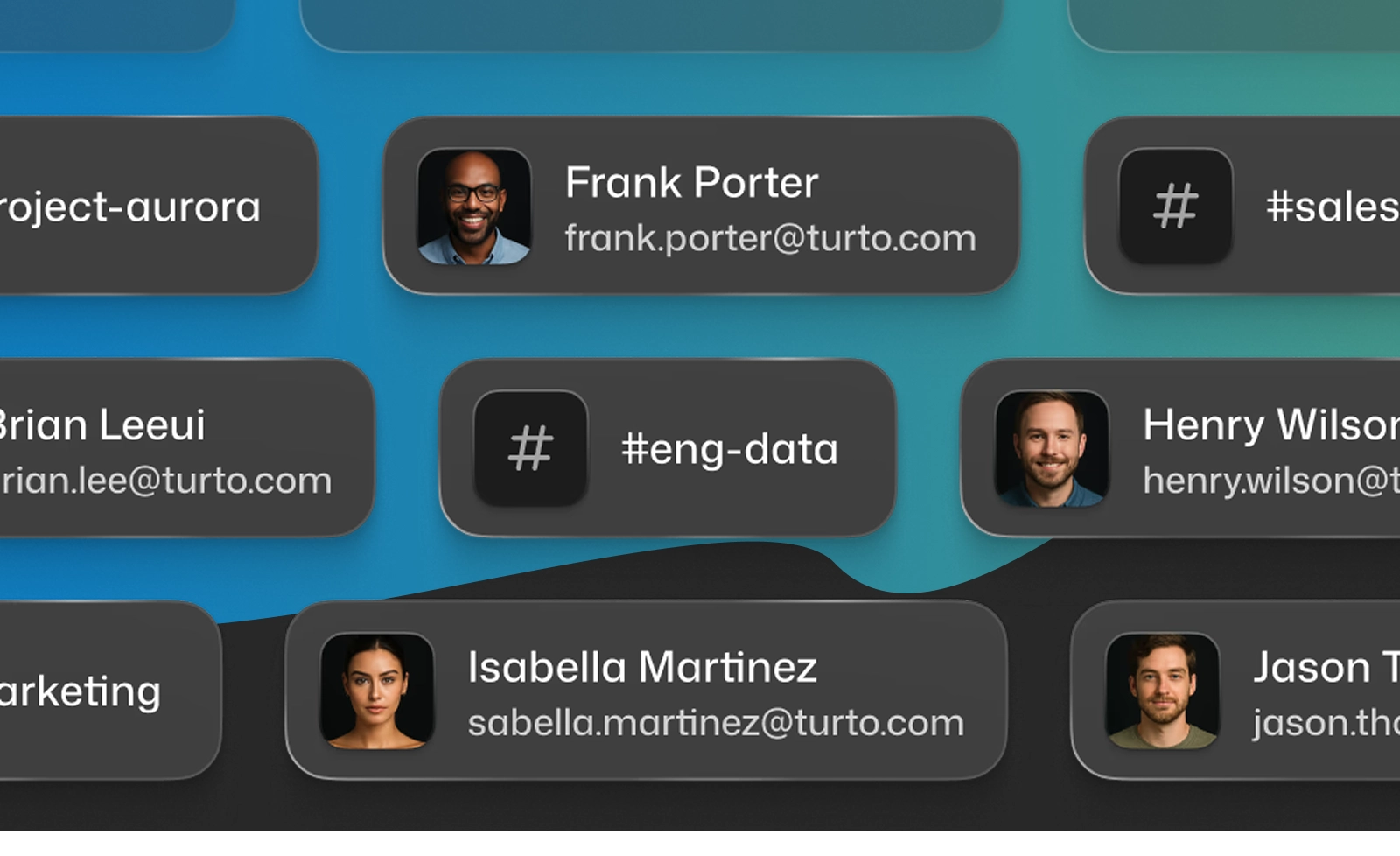
Send notifications to users' Slack DMs or Teams channels. Courier handles the OAuth flow, user mapping, and Block Kit formatting for rich messages.
Slack integration guide → Teams integration guide →
User Preference Management
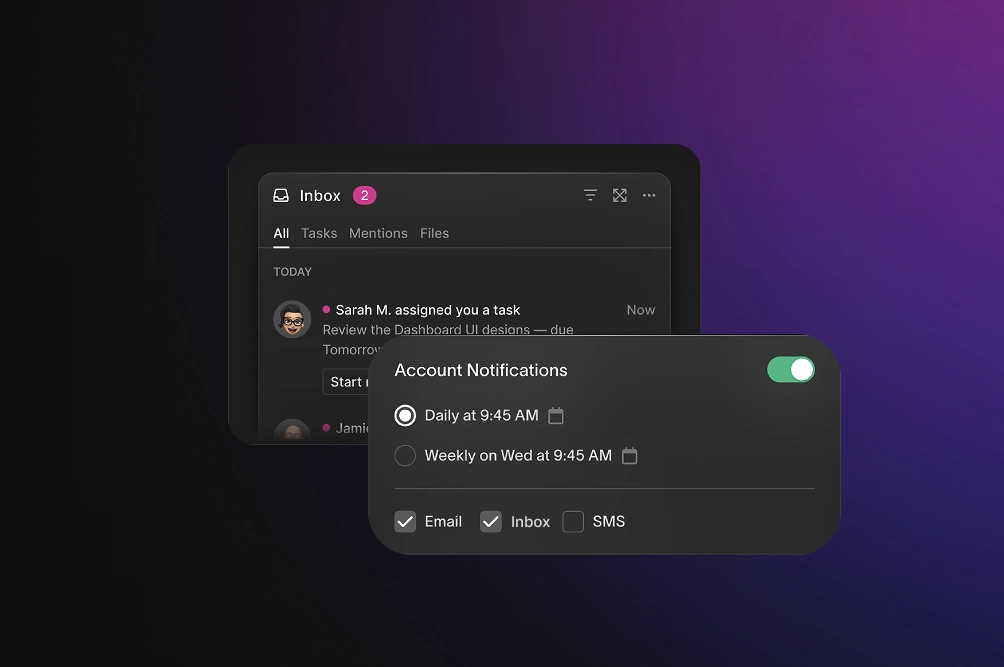
Let users control which notifications they receive and on which channels. Courier provides a drop-in preference center component and API for custom implementations.
Scheduled and Automated Notifications
Reminders, drip sequences, and event-triggered workflows. Set up automations that send a series of notifications based on timing or user actions.
When This Approach Works Well
The MCP + CLI + Cursor workflow is most effective when:
- You're adding notifications to an existing app (not building notification infrastructure as the product)
- You want multi-channel delivery without managing multiple provider SDKs
- Your team includes non-engineers who need to edit templates
- You're iterating quickly and want to test changes without redeploying
- You need sophisticated notification system, but don't want to use up engineering time
It's less suited for:
- Cases where you need to self-host everything for compliance reasons
- Simple single-channel use cases where a direct provider SDK is sufficient
Comparing Notification Platforms for AI-Assisted Development
If you're evaluating options, here's how the main platforms compare for AI coding workflows:
Courier
API-first platform that brings together developers, PMs, and marketers. Developers get clean APIs and SDKs. PMs get visual workflow builders. Marketers get template management without touching code.
- Official MCP server with embedded SDK installation guides
- Native Slack and Teams support with rich formatting
- Drop-in components for inbox, toasts, and preferences
- 50+ provider integrations with automatic failover
- Free tier: 10,000 notifications/month
Knock
Focuses on the workflow engine layer. Good for teams that want to define notification logic as code.
- Has an MCP server for workflow/API operations
- Requires third-party providers for actual delivery
- Limited Slack/Teams support compared to Courier
Novu
Open-source option. Self-host if you want full control over infrastructure.
- Has an MCP server for API operations
- Self-hosting means managing infrastructure yourself
- Community-driven integrations vary in quality
OneSignal
Comes from mobile push notifications. Strong on push and email for consumer engagement.
- Community-built MCP server (not official)
- Campaign-centric model fits marketing better than product notifications
- Limited B2B channels (no native Slack/Teams)
Resources
| Resource | Link |
|---|---|
| MCP Server Setup | courier.com/docs/tools/mcp |
| CLI Reference | courier.com/docs/tools/cli |
| API Documentation | courier.com/docs/reference |
| SDK Overview | courier.com/docs/sdk-libraries/sdks-overview |
| Free Tier | courier.com/pricing |
Getting Started
- Create a Courier account (free tier includes 10k notifications/month)
- Configure your first provider (email is easiest to start)
- Connect MCP to Cursor
- Start prompting
Related guides:
Similar resources
How Product Teams Build, Test and Ship Multichannel Notifications in Design Studio
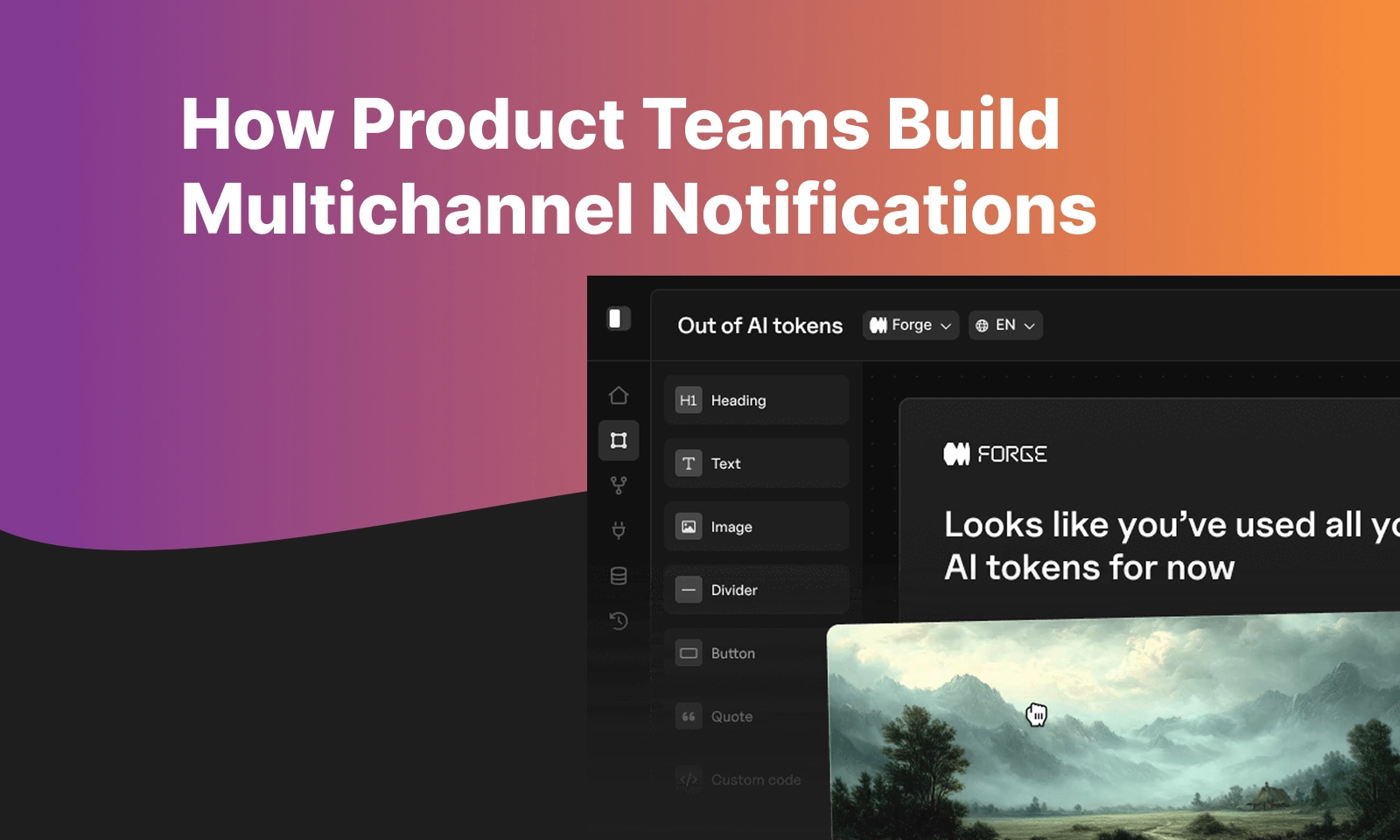
Product teams need to build, test, and ship notifications across multiple channels without filing an engineering ticket every time. Courier's Design Studio is the workspace for that: a template builder, visual channel routing, omnichannel testing, and publishing in one place. This post walks through the traditional template designer paradigm, how it splits effort across too many tools, and outlines a path for product and growth teams to ship transactional, product, and marketing notifications from a single workspace.
By Kyle Seyler
March 12, 2026

EU Data Residency for Notifications: What Engineering Teams Need to Know
Courier supports EU data residency through a dedicated datacenter in AWS EU-West-1 (Ireland), with full API feature parity, same-workspace dual-region access, built-in GDPR deletion endpoints, and localization support for multilingual notifications. Engineering teams can switch to EU hosting by changing a single base URL with no workspace migration or downtime required.
By Kyle Seyler
March 09, 2026
Customer Engagement Platforms Are Splintered. Message Orchestration Is the Fix
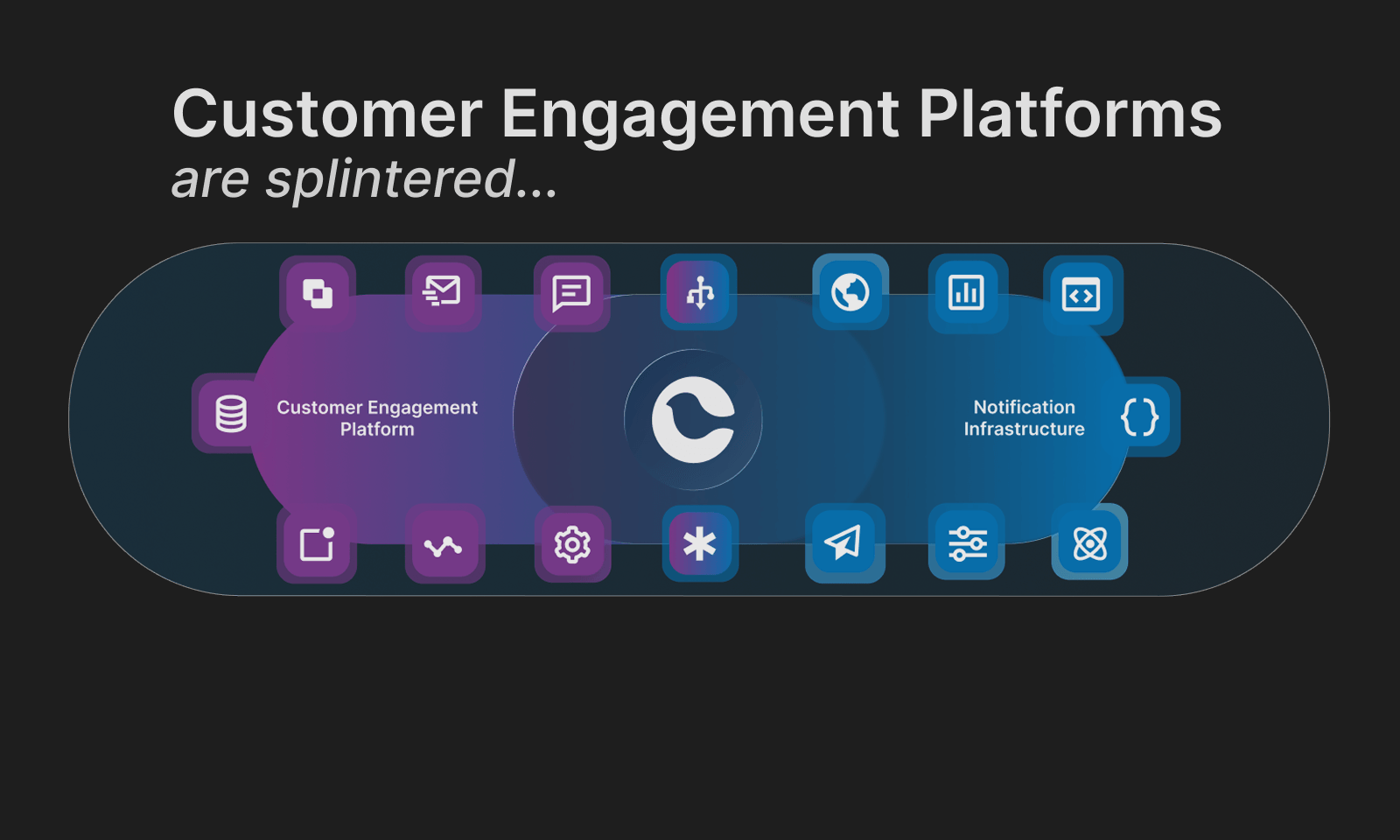
Customer engagement platforms are splintered. Some are built for campaigns, others for support automation, and others treat messaging as a transactional delivery problem. The result is collisions, blind spots, and message fatigue. The highest-leverage fix is solving the lifecycle-to-product and transactional vector with a message orchestration layer: one system that routes, suppresses, prioritizes, and observes messages across channels. Think air traffic control for user communications.
By Kyle Seyler
March 03, 2026
© 2026 Courier. All rights reserved.