Changelog
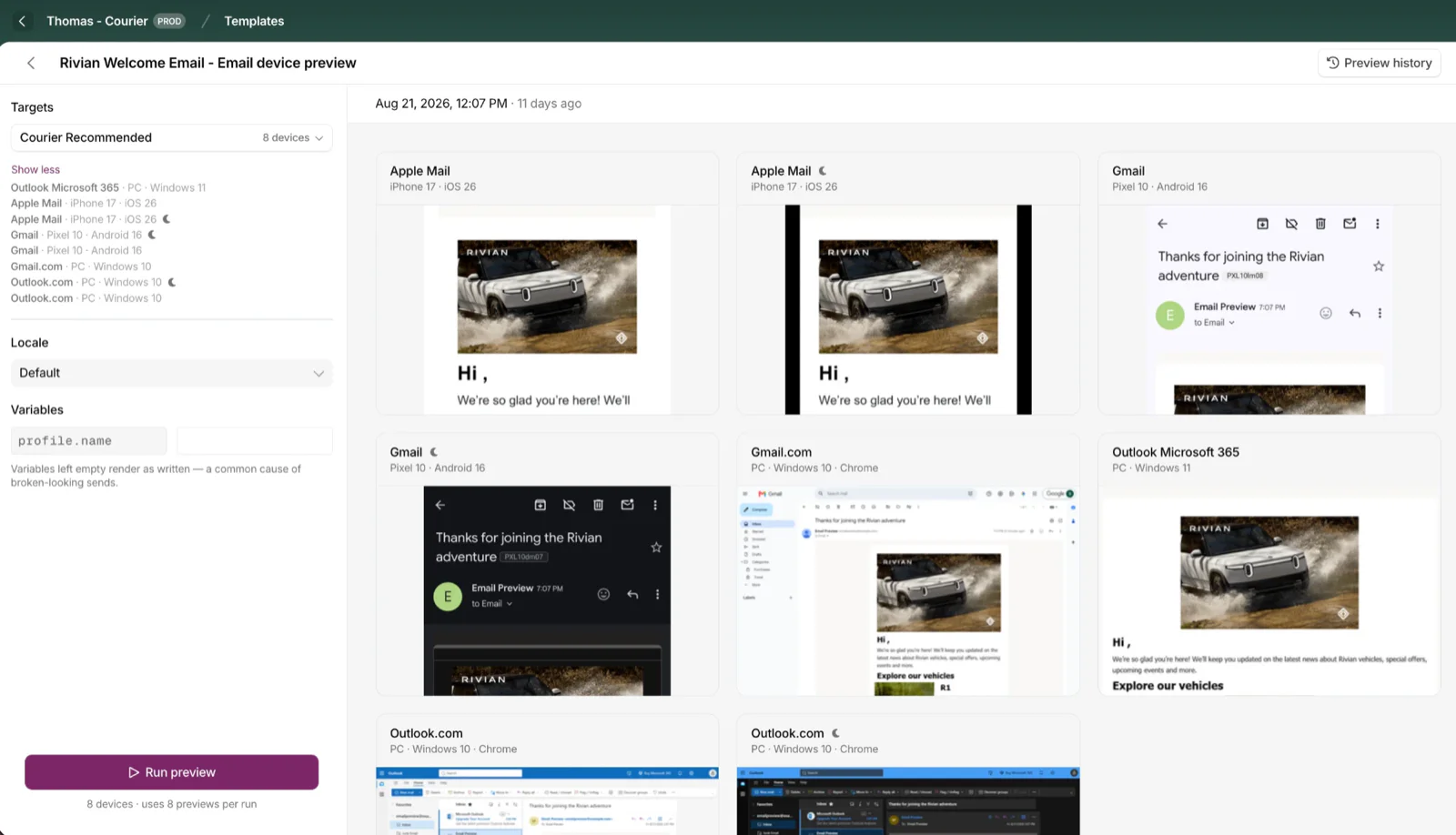
Cross-Device Email Preview
Preview email templates on real devices, 96 clients across 21 apps, right from Design Studio.
By Emily Lane
September 01, 2026
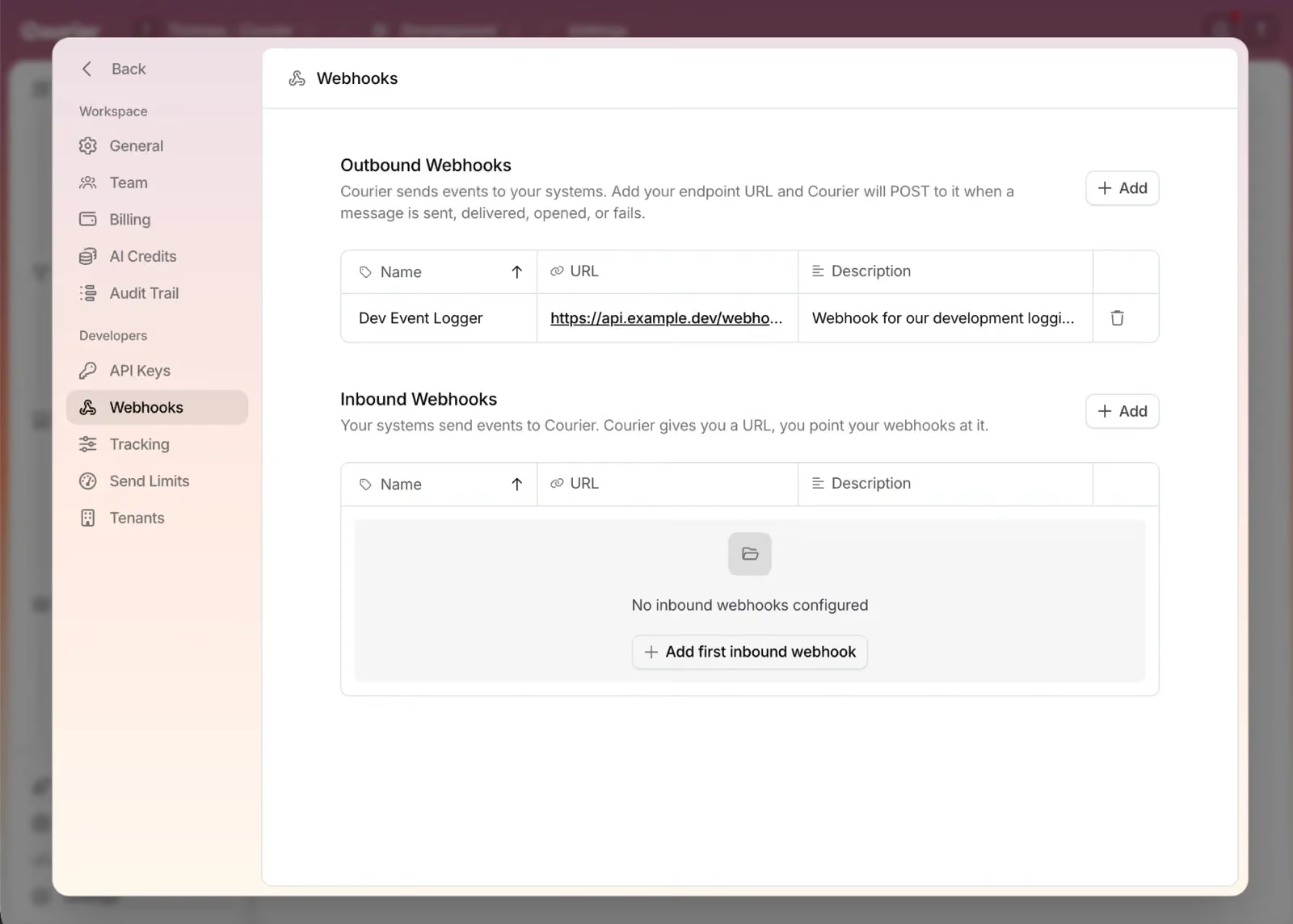
Redesigned Settings Page
Settings is redesigned, with workspace and developer pages in separate sections and nine background colors.
By Emily Lane
August 18, 2026
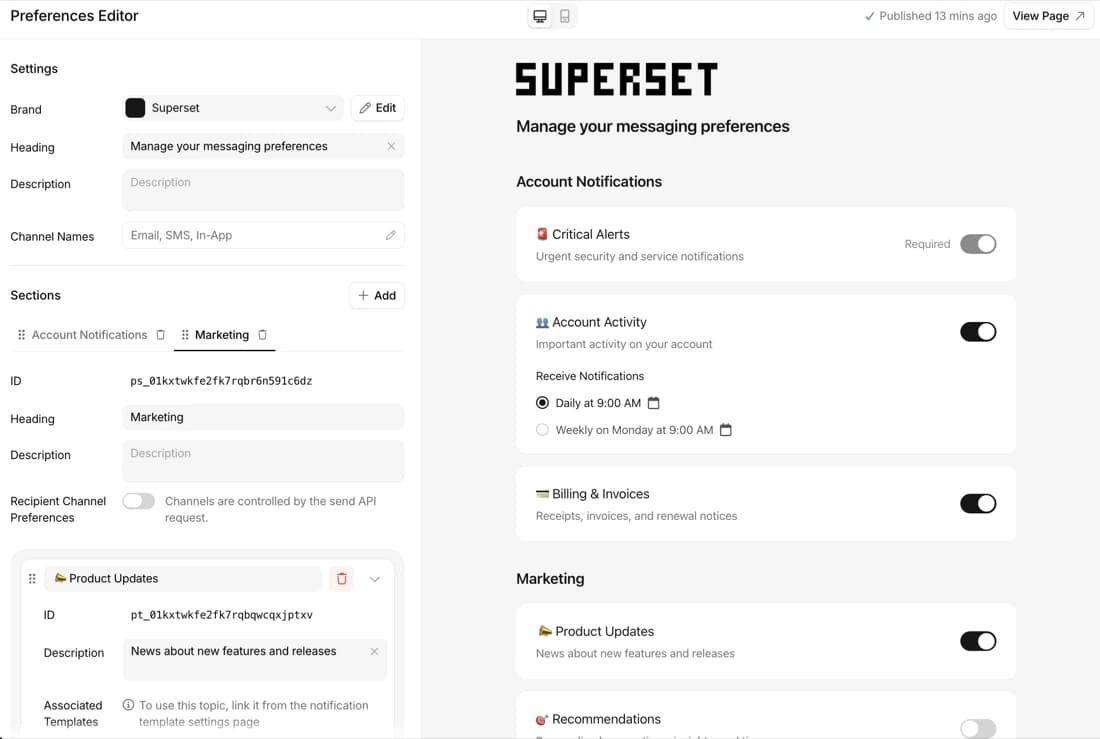
Redesigned Preferences Editor and hosted preference center
Build, preview, and launch a branded notification preference center with no frontend code.
By Emily Lane
July 18, 2026
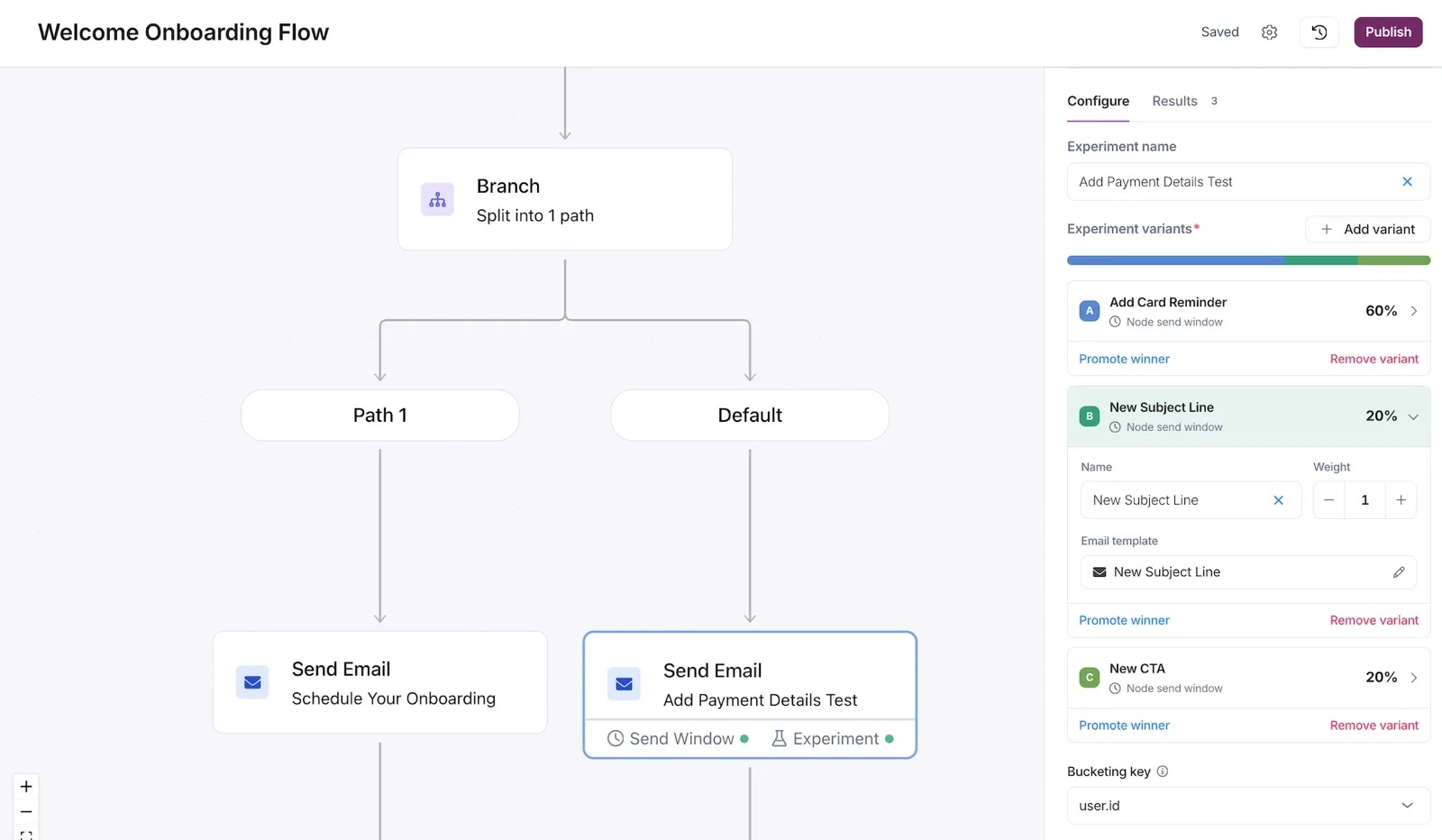
Experiments: A/B Testing in Journeys
Run 2 to 10 message variants on a single send node in a journey, split live traffic by weight, compare per-variant results, and promote the one you want.
By Emily Lane
July 09, 2026
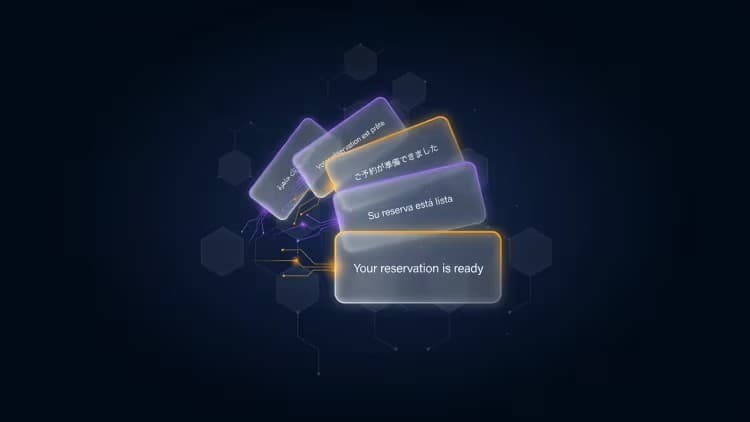
AI Localization
Localize Courier templates in seconds with AI Translation, now available in Design Studio for email, SMS, push, in-app, and chat.
By Emily Lane
June 29, 2026
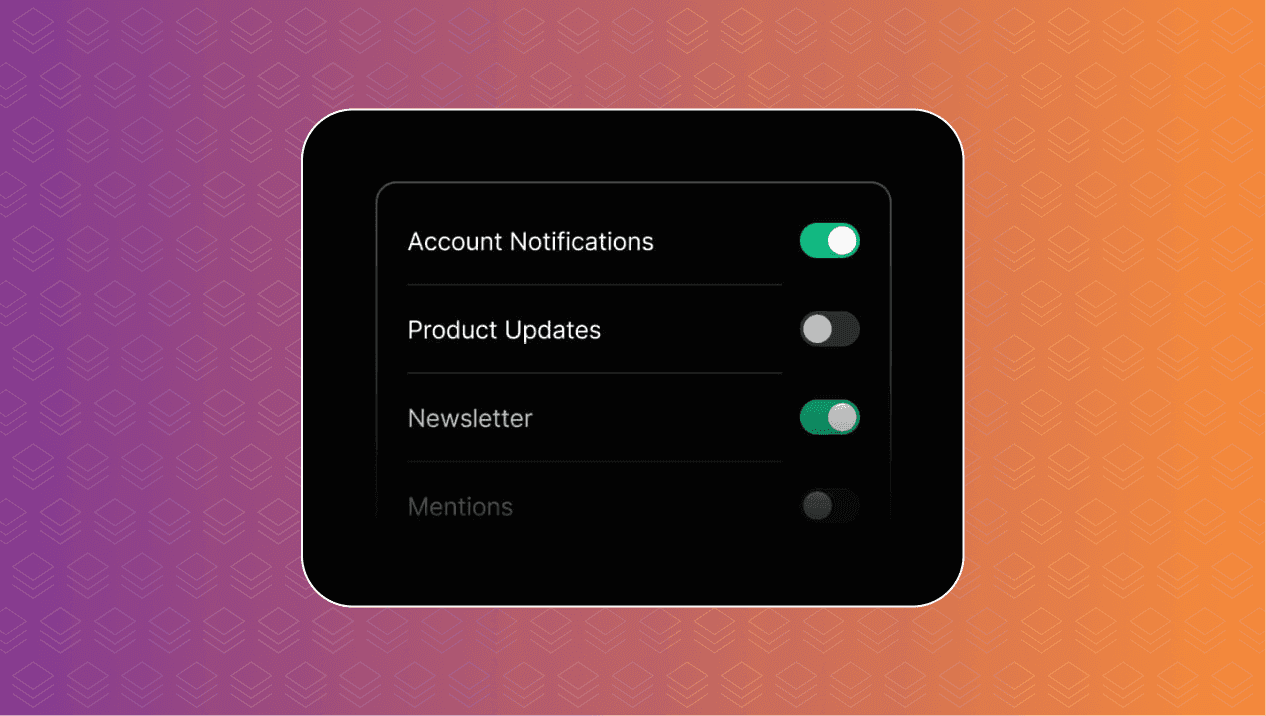
Embed Notification Preferences with One Web Component
Embed a complete notification preferences center in your app with Courier’s Web Component, giving users control over topics, channels, digests, and themes.
By Emily Lane
June 05, 2026
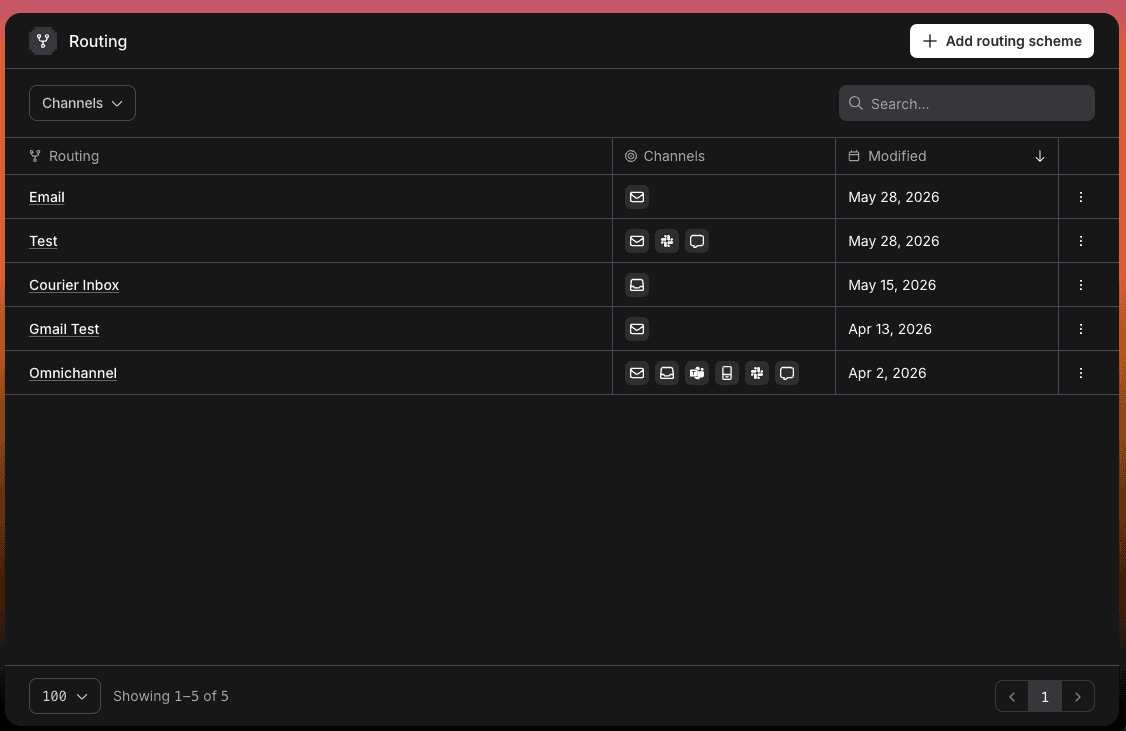
Introducing Routing: Reusable Strategies for Every Template
Courier now lets teams design routing strategies separately from templates, making it easier to manage delivery logic across channels and providers.
By Emily Lane
May 28, 2026
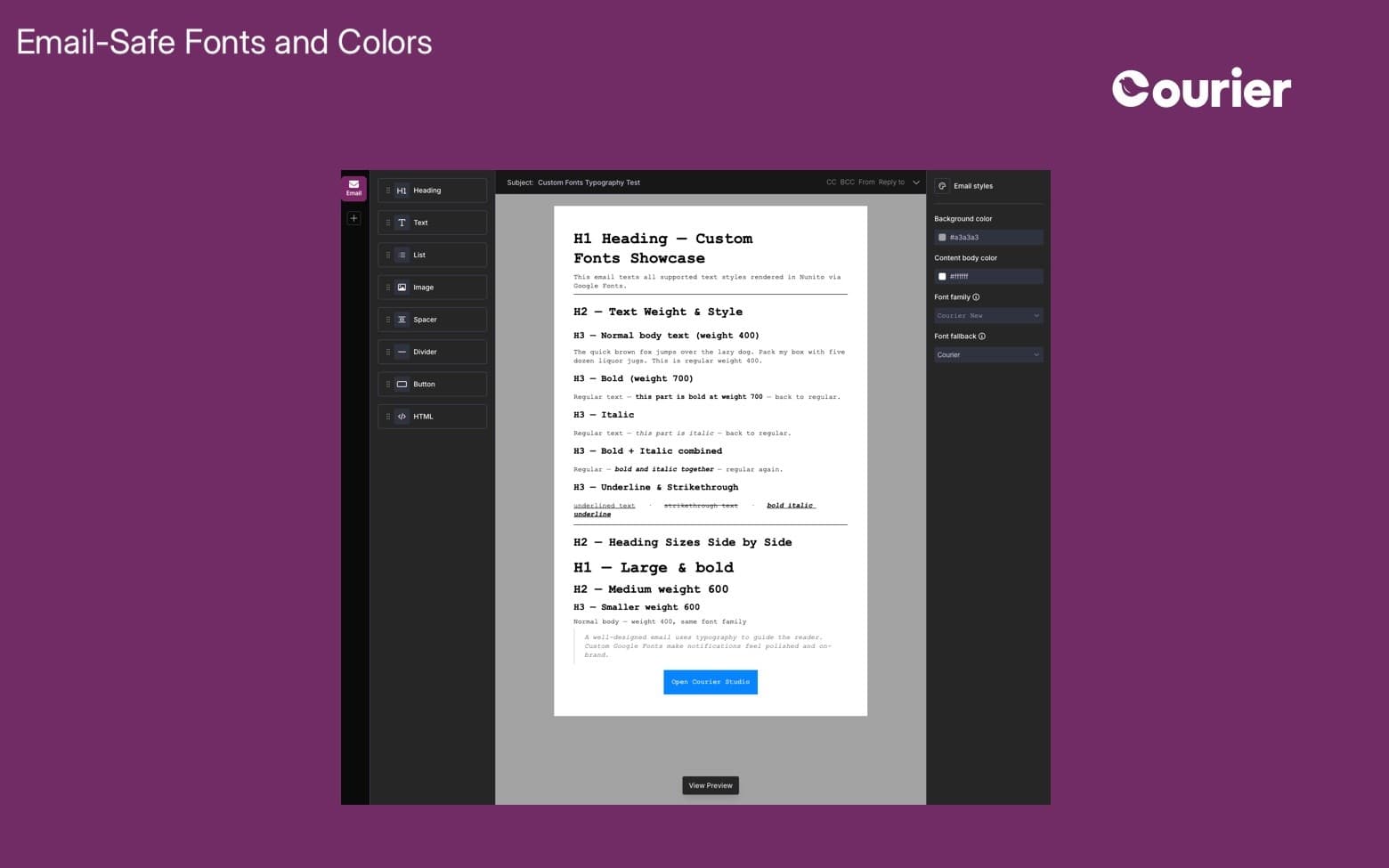
Email Fonts and Colors
Explore email-safe fonts and background color options in the new Courier Designer to create consistent, polished, and on-brand email experiences.
By Emily Lane
April 30, 2026
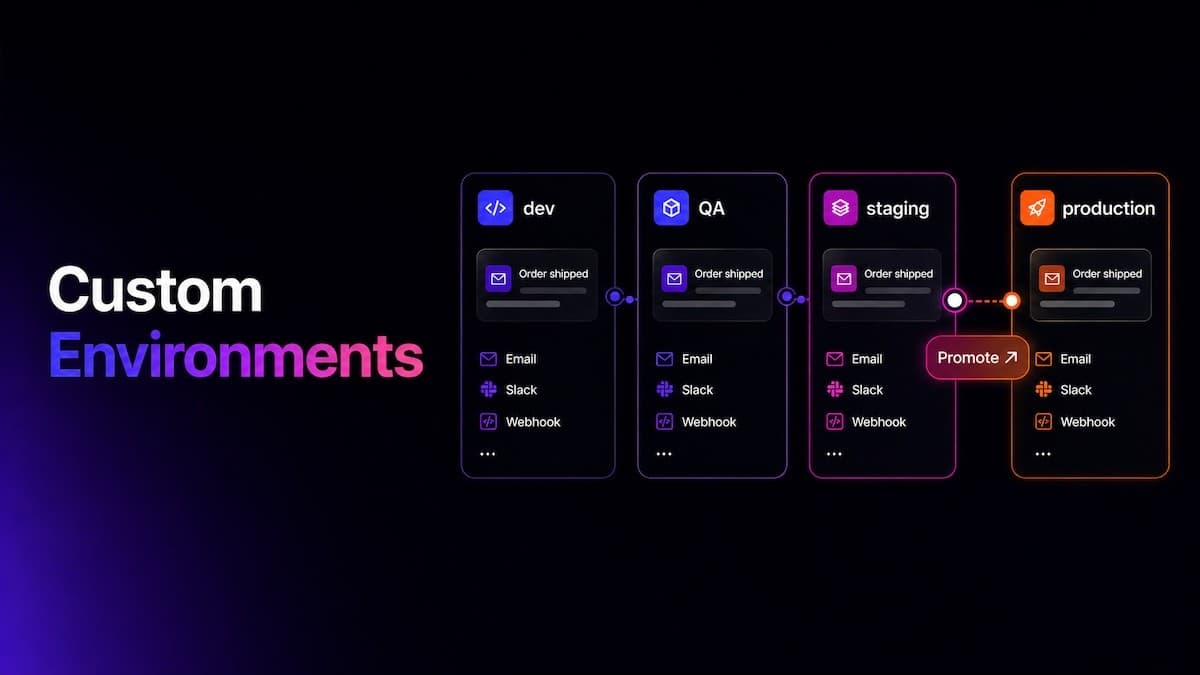
Custom Environments for Safer Messaging Workflows
Create isolated Courier environments for development, staging, QA, and production, each with its own data, integrations, API keys, logs, and templates.
By Emily Lane
April 30, 2026
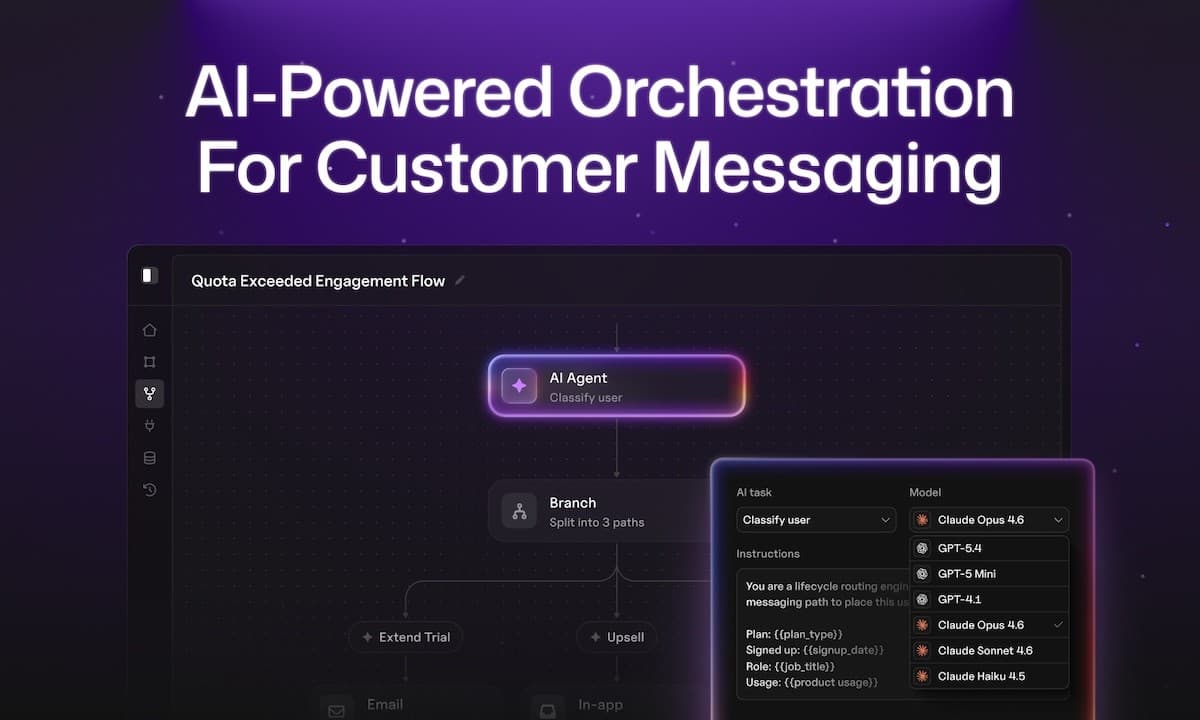
Introducing Journeys
Courier Journeys is an AI-powered orchestration engine for building dynamic, event-driven messaging workflows across email, SMS, push, and in-app.
By Emily Lane
March 17, 2026

New Courier CLI
The new Courier CLI lets AI agents like Cursor and Claude Code send, debug, and manage notifications from the terminal or via MCP.
By Emily Lane
March 12, 2026
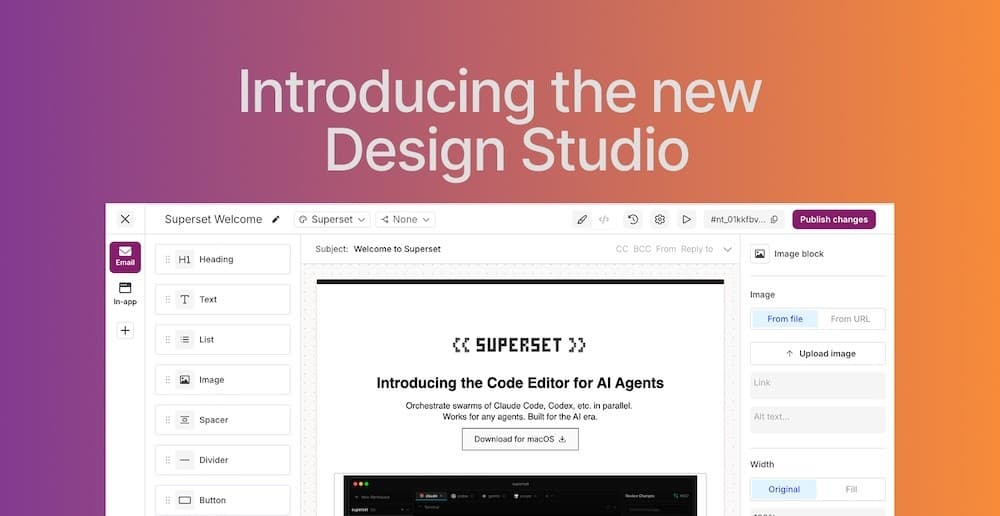
Introducing Design Studio
Design Studio is Courier’s drag-and-drop editor for building notifications across email, SMS, push, and Slack, with live previews and version history.
By Emily Lane
March 11, 2026

Improved AWS SES Delivery Tracking
Courier now surfaces detailed delivery events from AWS SES, giving clearer visibility to monitor performance and troubleshoot issues faster.
By Emily Lane
January 26, 2026
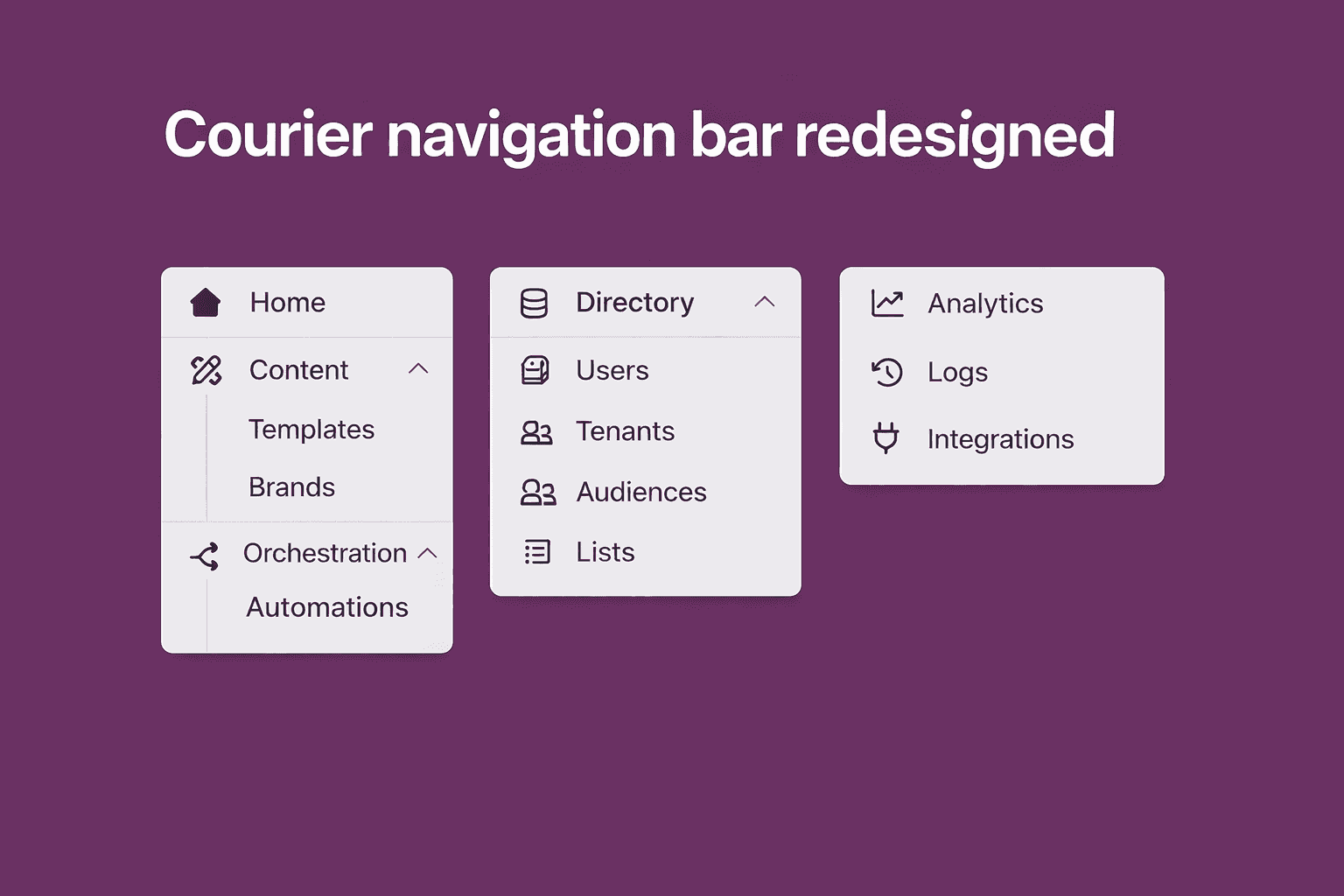
Navigation Bar Redesign
Courier's navigation is reorganized into Content, Orchestration, Directory, Analytics, and Integrations for faster access to key workflows.
By Emily Lane
January 22, 2026
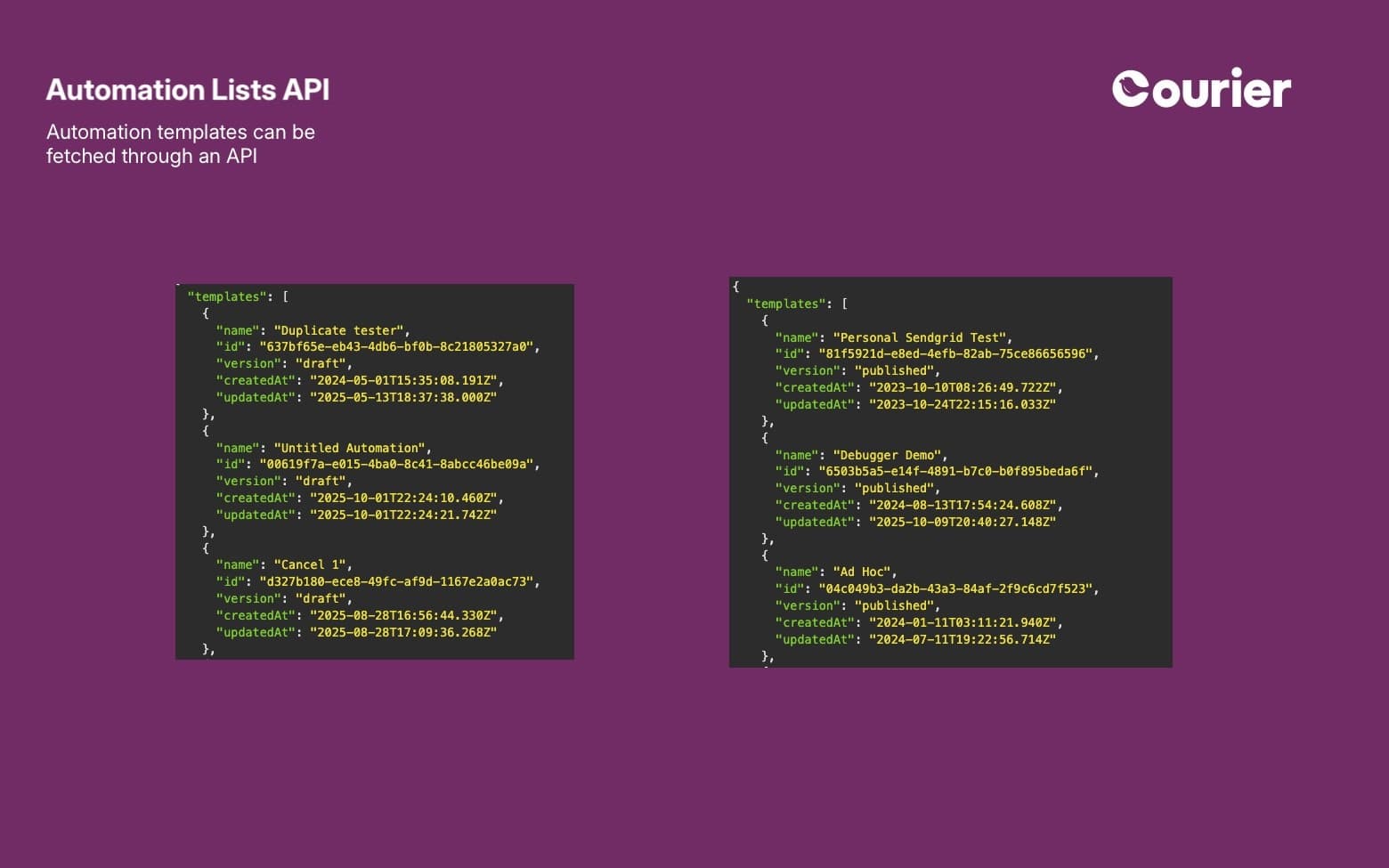
Automation Lists API
Fetch all Lists programmatically with a new Courier API endpoint, making it easier to manage audiences at scale and sync data across systems.
By Emily Lane
January 08, 2026
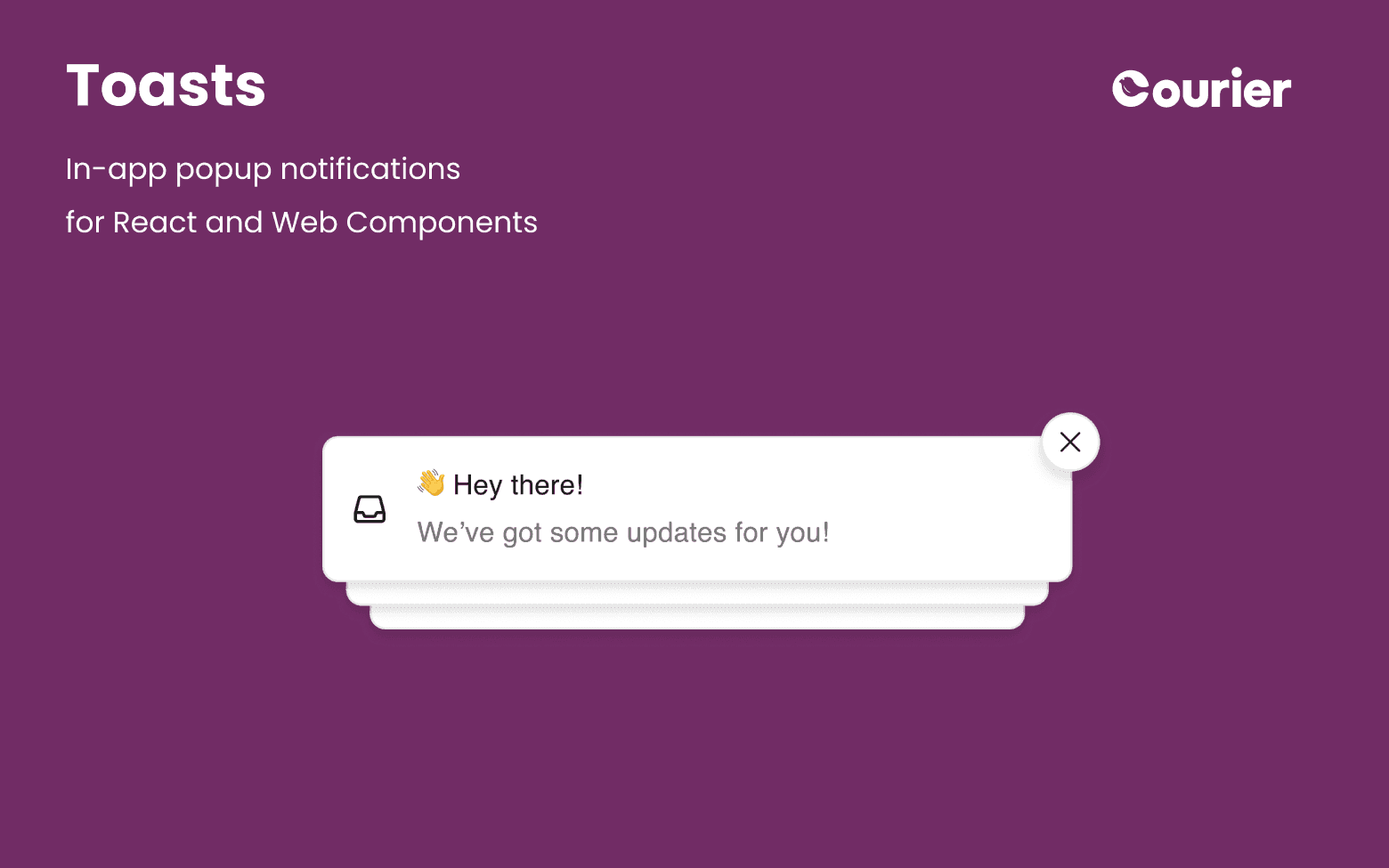
New Courier Toasts SDK
Deliver real-time, customizable in-app notifications with Courier Toasts for Web and React. Fast setup, on-brand design, and seamless Inbox sync.
By Emily Lane
October 24, 2025
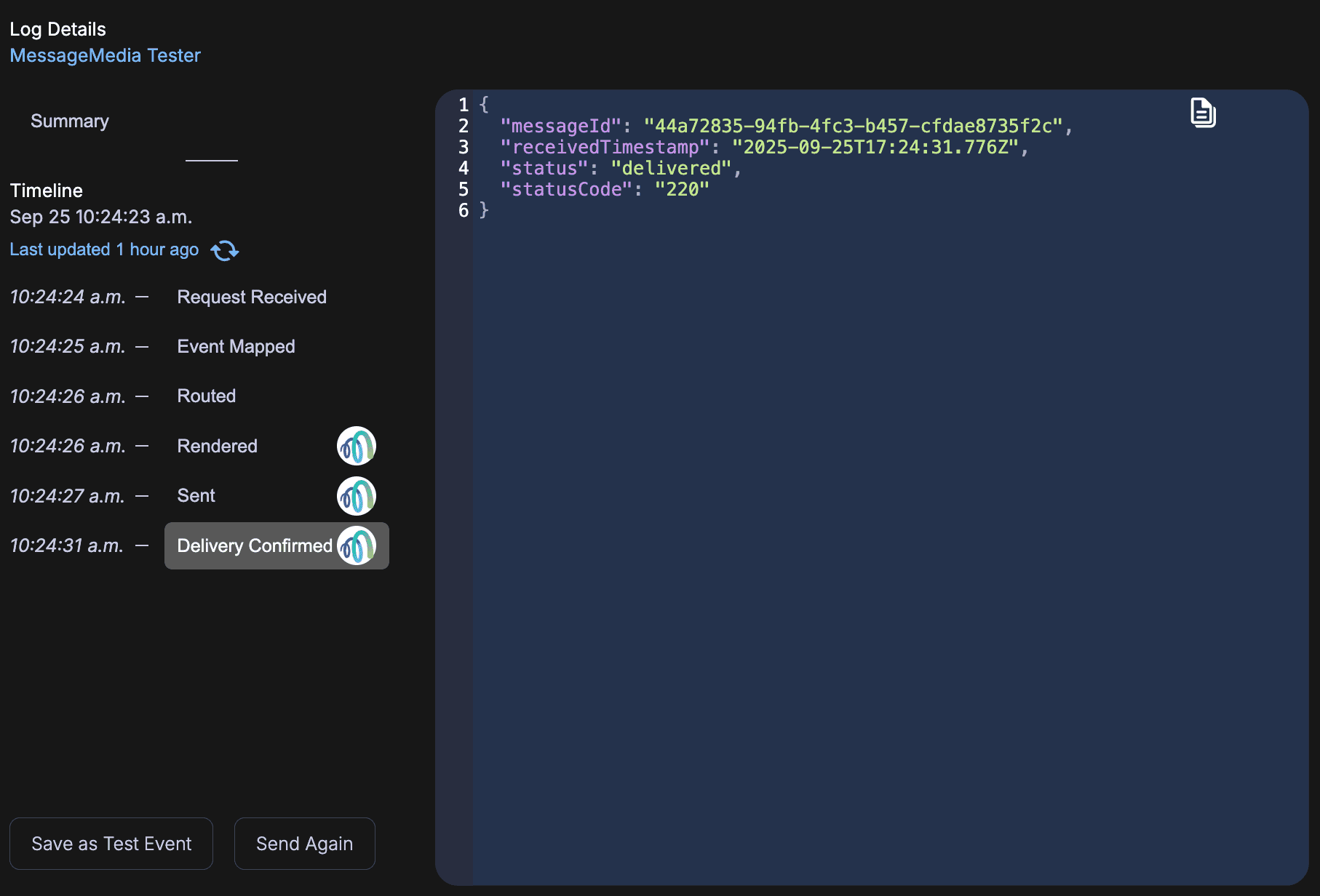
MessageMedia Webhooks for Delivery Updates
MessageMedia webhooks now deliver real-time, HMAC-verified SMS status updates (delivered, undeliverable) directly into Courier's message logs.
By Emily Lane
September 25, 2025
Courier's Model Context Protocol
Courier's beta MCP server lets AI tools and agents like Claude and Cursor access docs, code samples, and send messages through Courier's API.
By Emily Lane
September 04, 2025
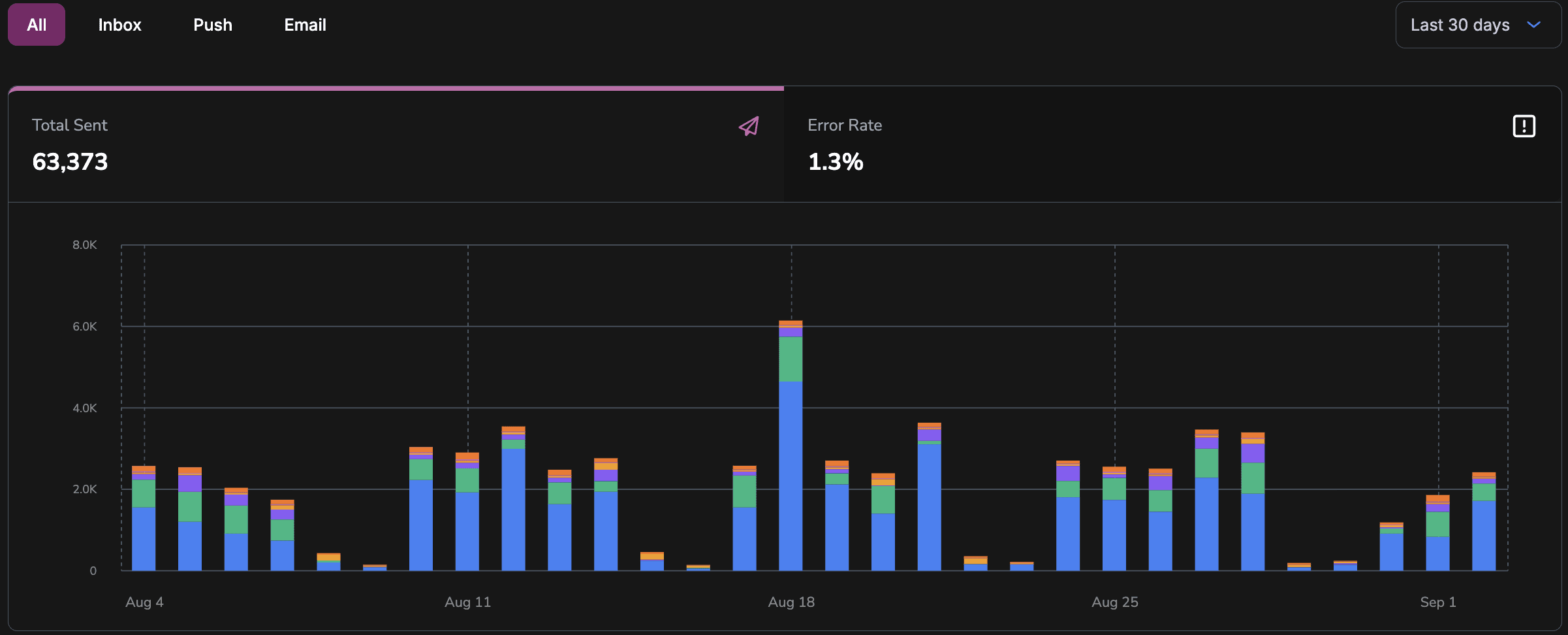
Improved Template Analytics
Courier's redesigned Template Analytics page breaks down delivery, open, click, and error rates by channel and provider, helping you troubleshoot faster.
By Emily Lane
September 03, 2025
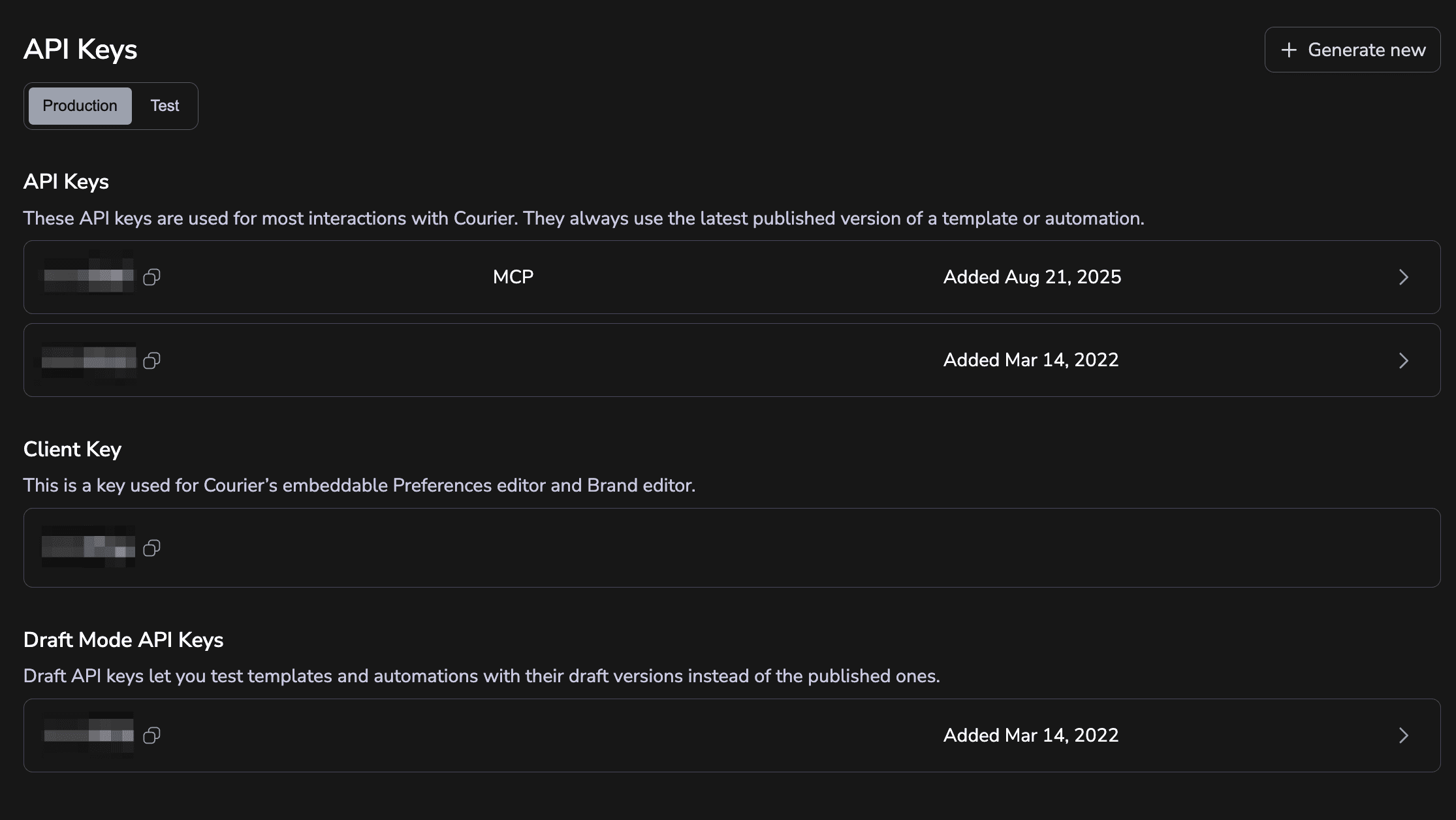
Improved API Settings
Courier’s new API Keys page features a cleaner UI and simple environment-specific selection, making key management faster and easier.
By Emily Lane
September 02, 2025
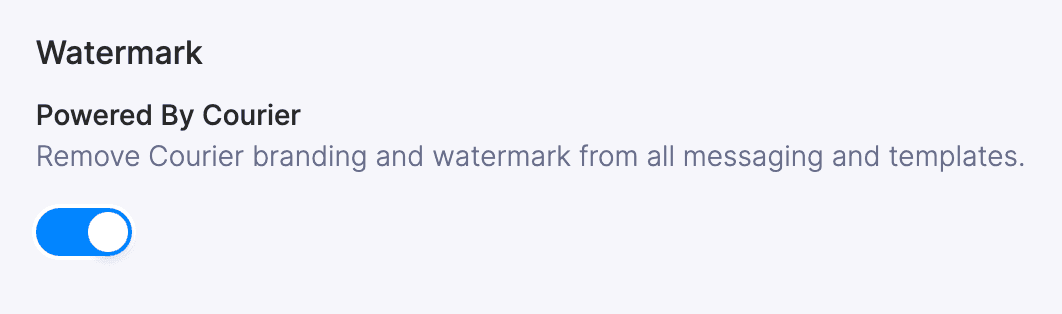
Courier Watermark Disabled for All
Courier has removed the 'Powered by Courier' watermark, giving all customers a fully branded messaging experience without paywalls or limitations.
By Emily Lane
September 01, 2025
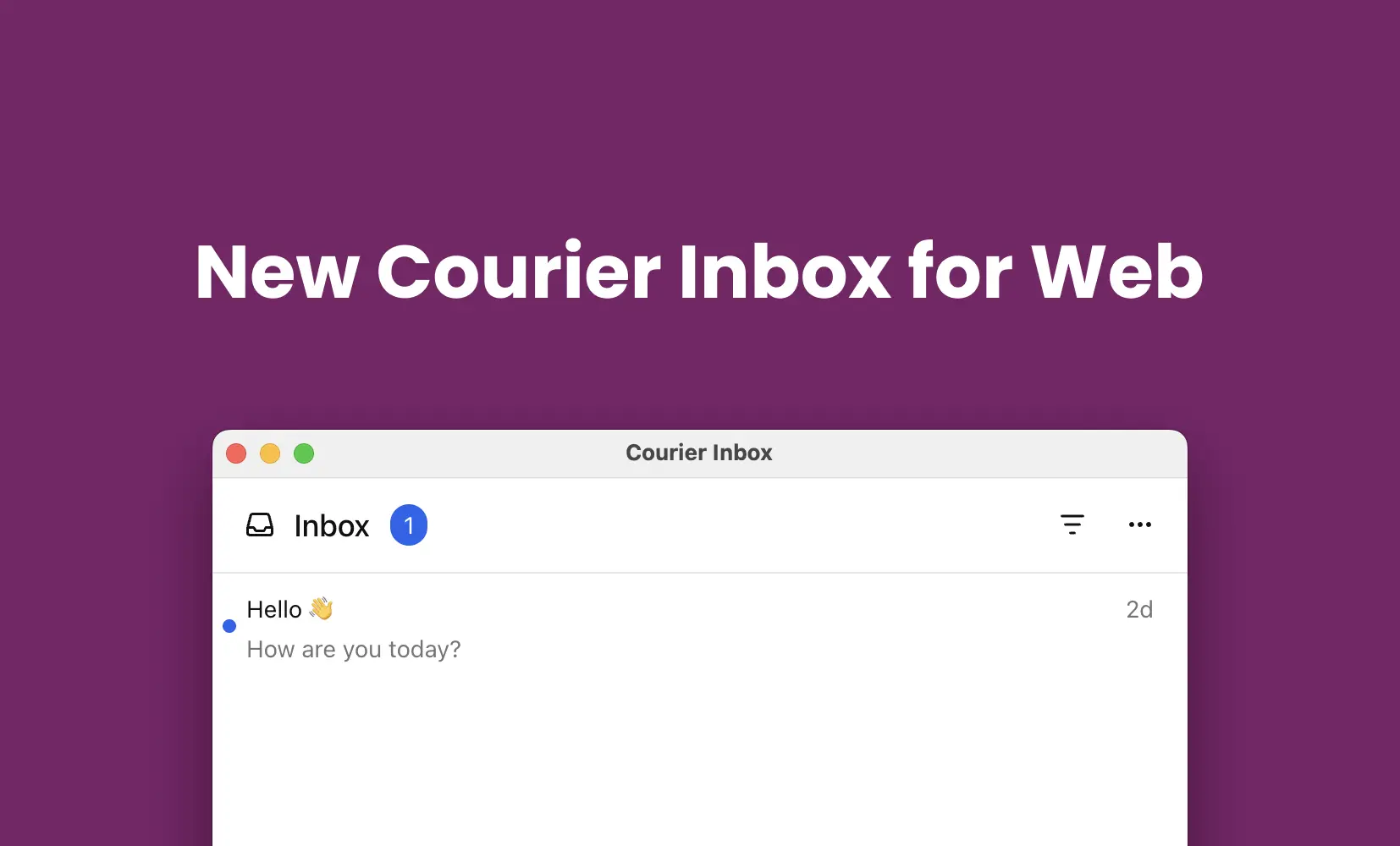
New Courier Inbox Launch
Courier rebuilt Inbox: custom UI components, single-WebSocket sync, lazy-loaded messages, and a simpler React integration for in-app notifications.
By Emily Lane
August 19, 2025
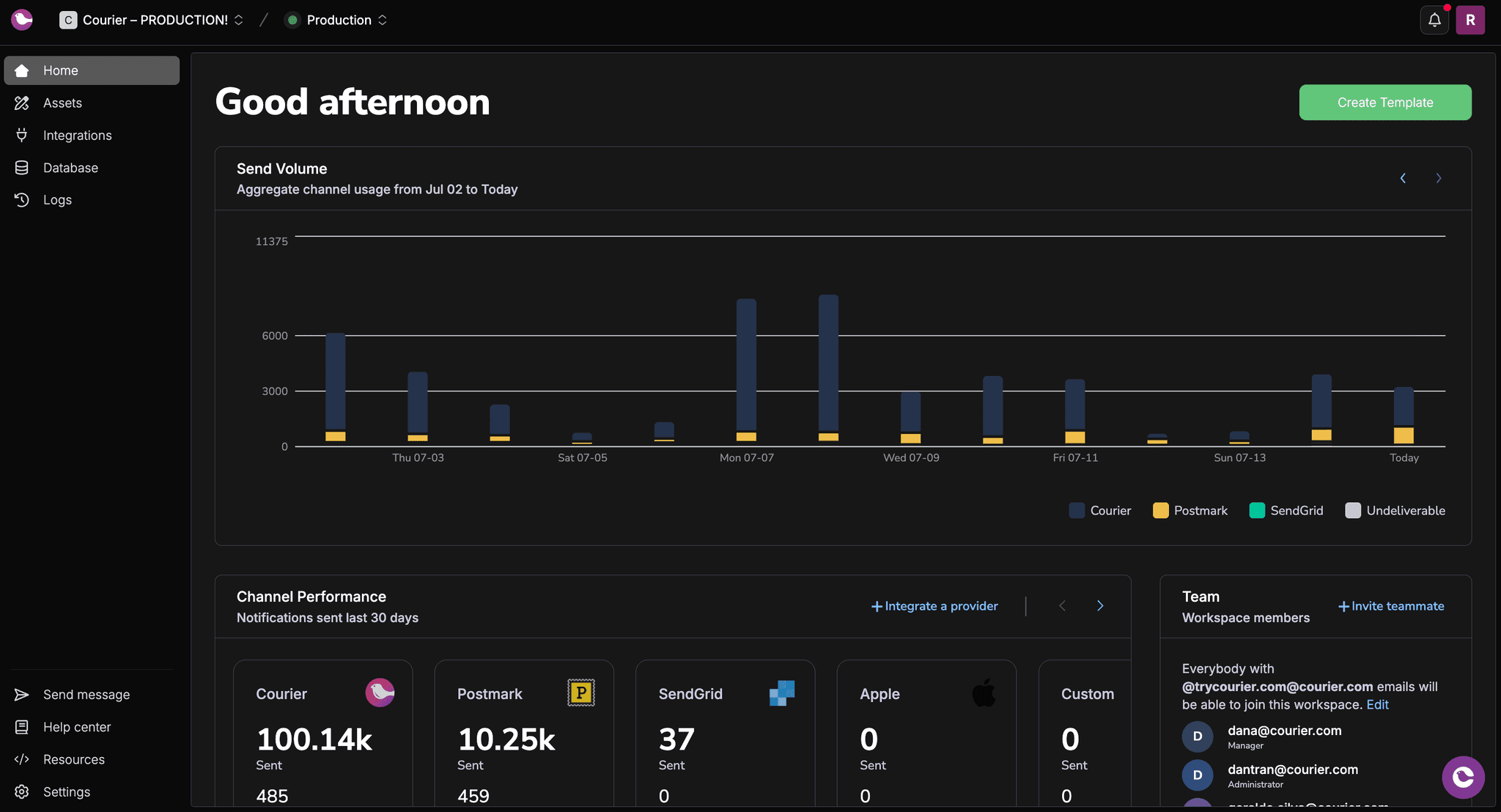
Top and Sidebar Redesigns
Courier's dashboard has a redesigned sidebar and topbar, giving developers faster navigation and a cleaner, more organized workflow.
By Emily Lane
July 15, 2025
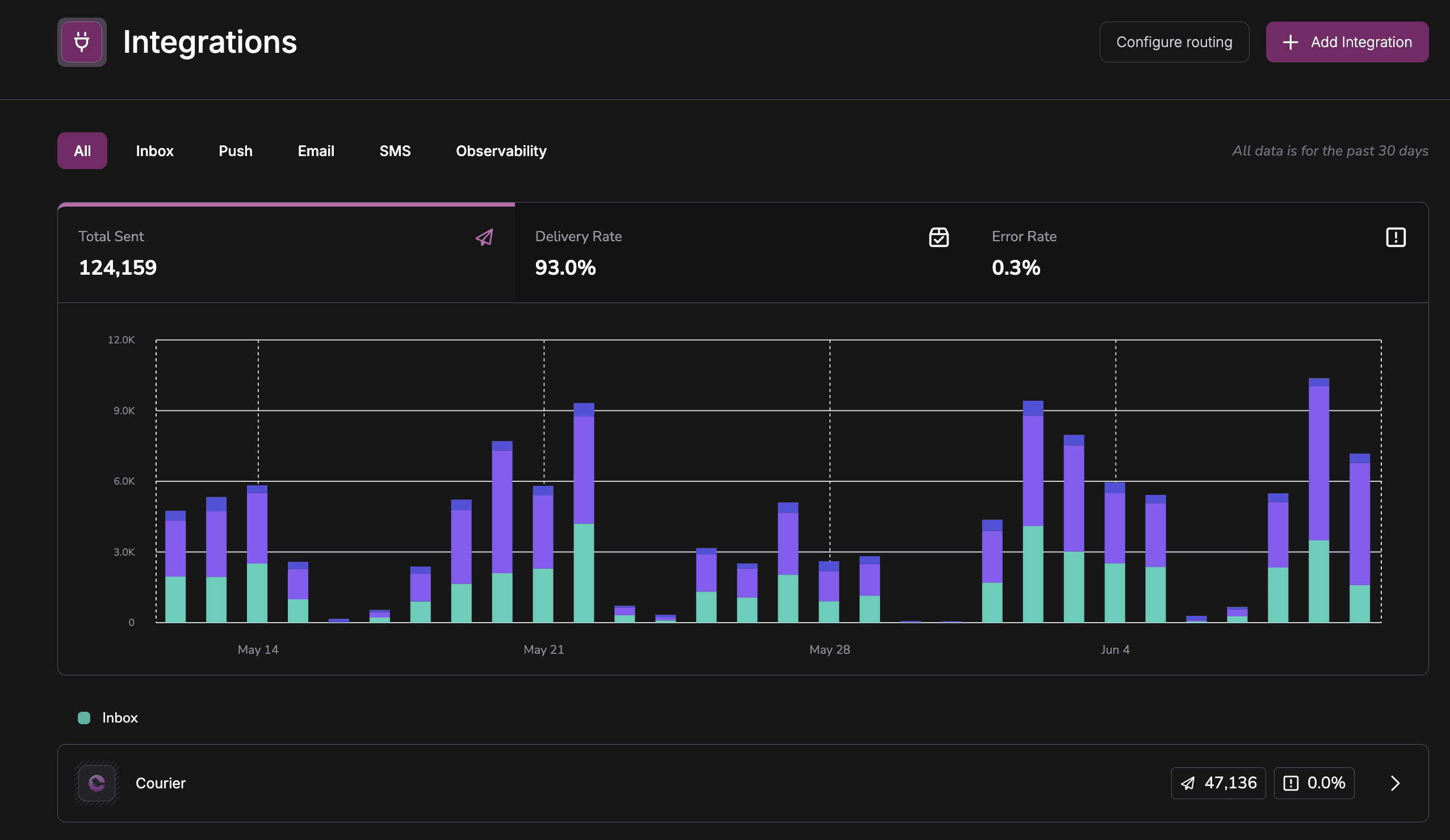
Courier Integration Page Redesign
Courier's redesigned Integrations page streamlines provider setup with clearer analytics and cross-channel observability for reliable messaging.
By Emily Lane
June 11, 2025
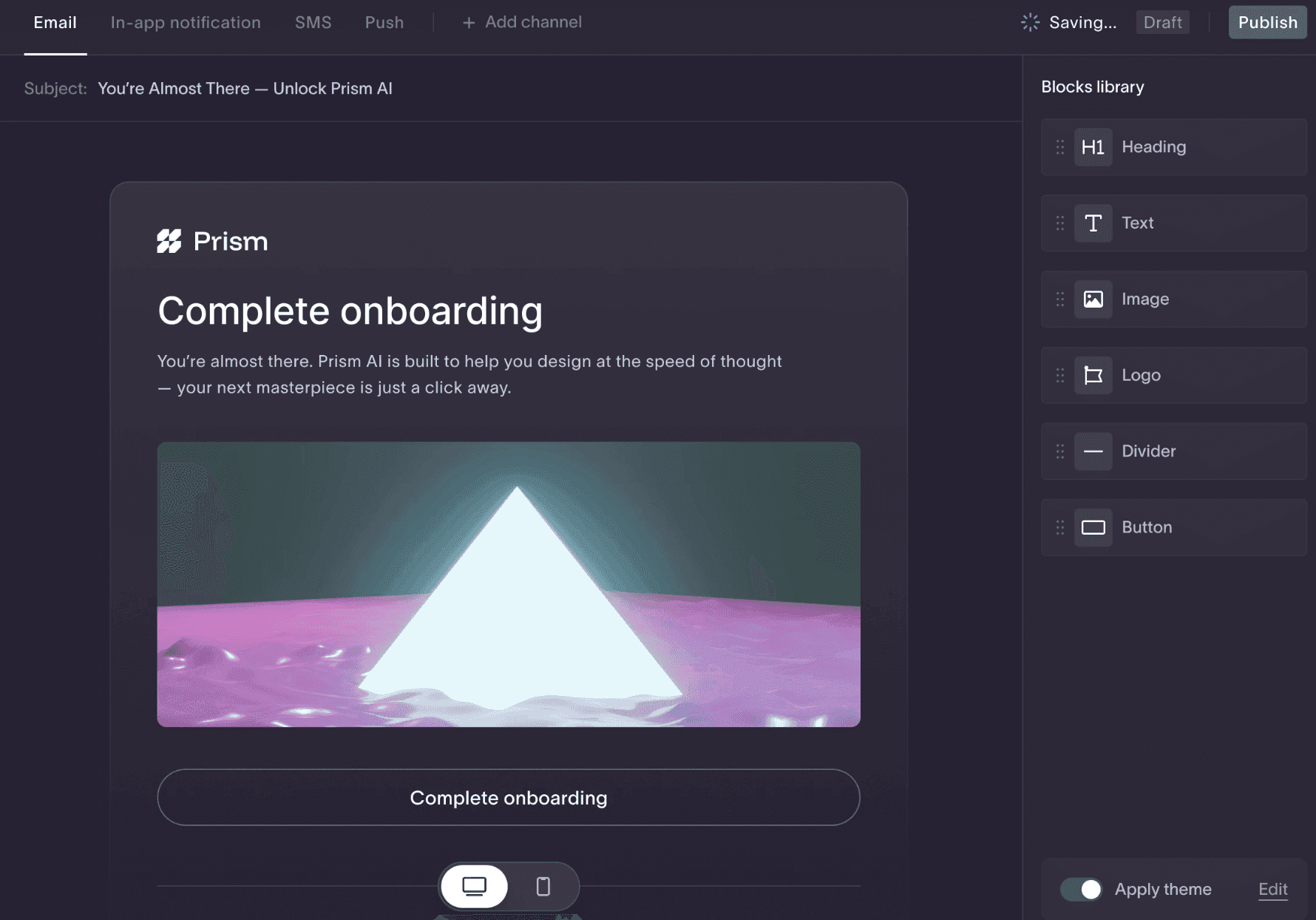
Courier Create Launch: Simplified Template & Brand Editing for Multi-Tenant Apps
Courier Create embeds template and brand editors in your React app, so multi-tenant SaaS teams can manage email design and branding per tenant.
By Emily Lane
April 30, 2025
Prevent JSON Rounding Errors: Safe Integer Limit Enforcement
Courier rejects numeric values over JavaScript's safe integer limit (9,007,199,254,740,991) to prevent silent JSON rounding errors and data corruption.
By Emily Lane
April 24, 2025
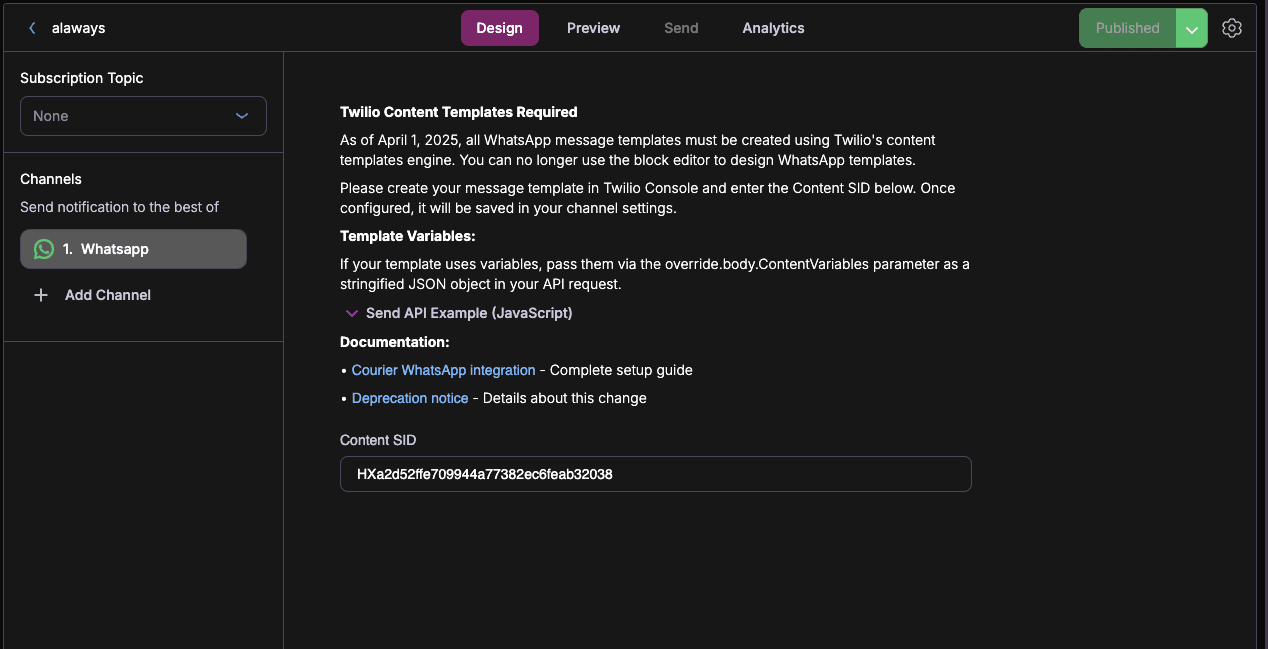
Twilio Content SID Support for WhatsApp Templates
Courier WhatsApp templates now support Twilio Content SIDs, so you can reference approved templates directly without duplicating content.
By Emily Lane
April 01, 2025
Courier Flutter 4.1.0 Release
New Courier Flutter SDK: iOS/Android thread & event updates, improved docs, and support for custom error messages in CourierInbox and CourierPreferences.
By Emily Lane
March 28, 2025
Courier-React-Native 5.5.2 Release
New Courier React Native SDK: enhanced threading stability for iOS & Android, plus updated docs for easier Expo support.
By Emily Lane
March 26, 2025
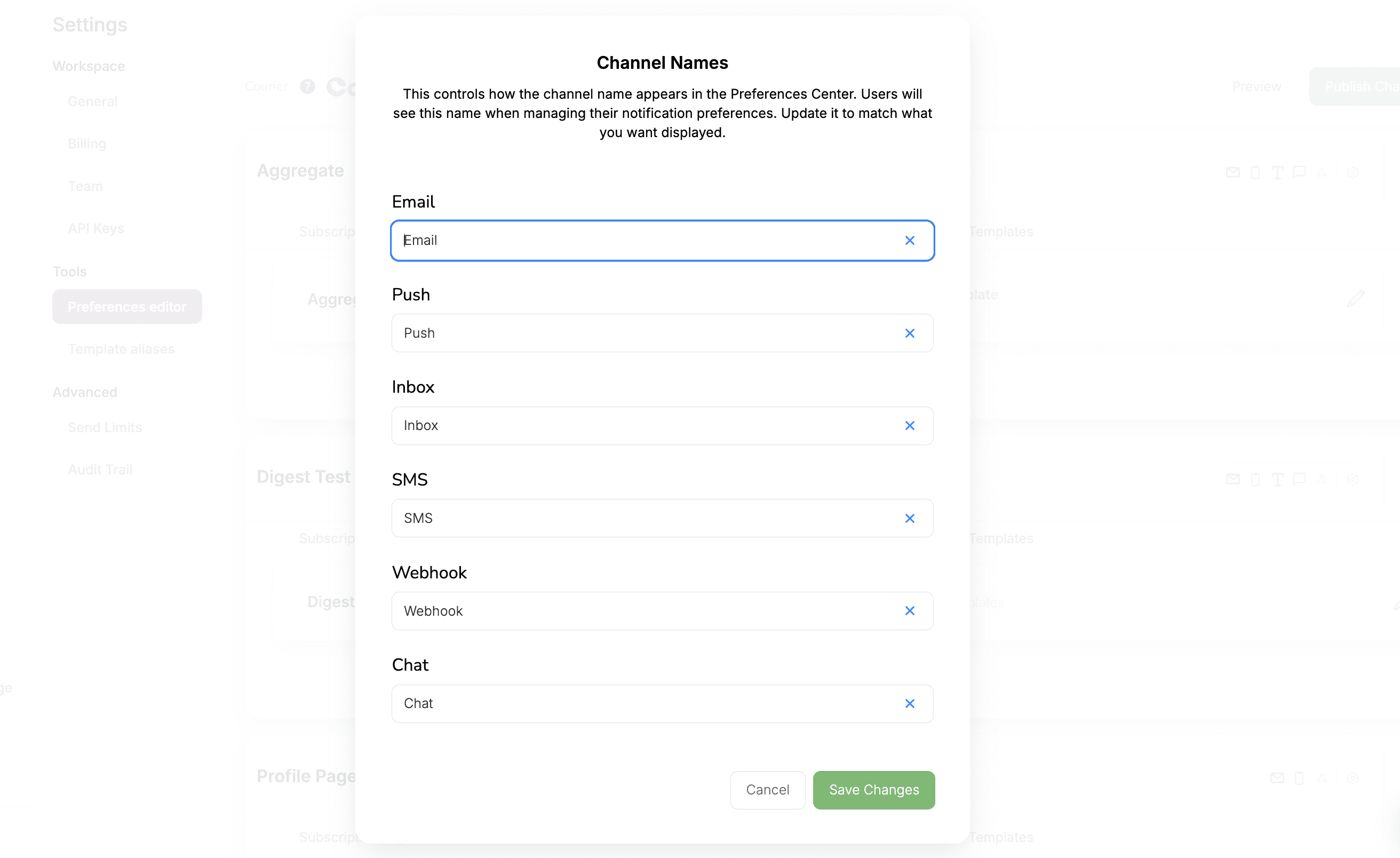
Preferences Channel Alias
Customize channel names in Courier’s Preferences Center: rename Email, SMS, or Push to match your brand voice, no code required.
By Emily Lane
March 25, 2025
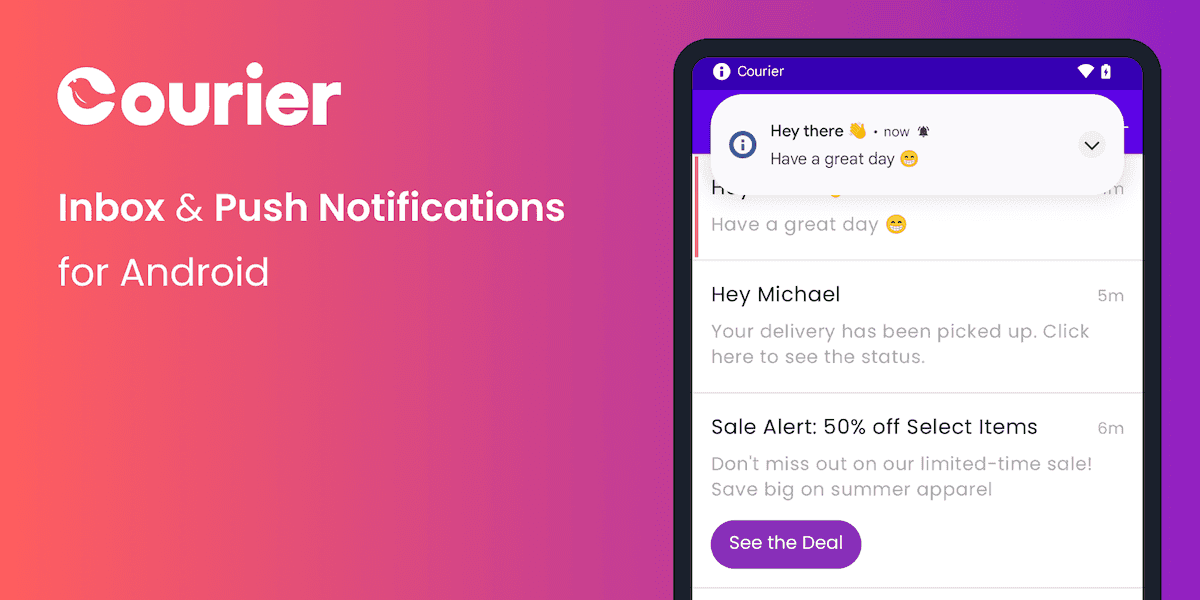
Courier-Android 5.2.0 Release
New Courier Android SDK: rebuilt inbox, iOS-style event handling, onMessageEvent callback, better tests, and manual install due to Play Store issue.
By Emily Lane
March 21, 2025
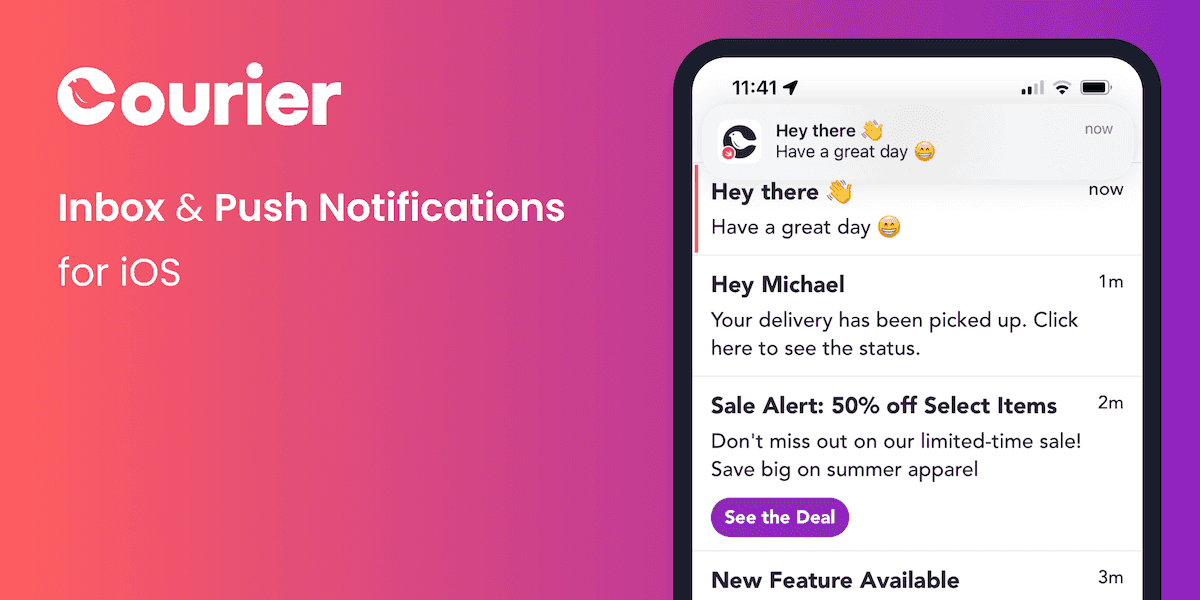
Courier-iOS 5.7.3 Release
New Courier iOS SDK: improved socket handling, dedicated CourierActor thread, rebuilt inbox datastore, onMessageEvent callback, and expanded test coverage.
By Emily Lane
March 19, 2025
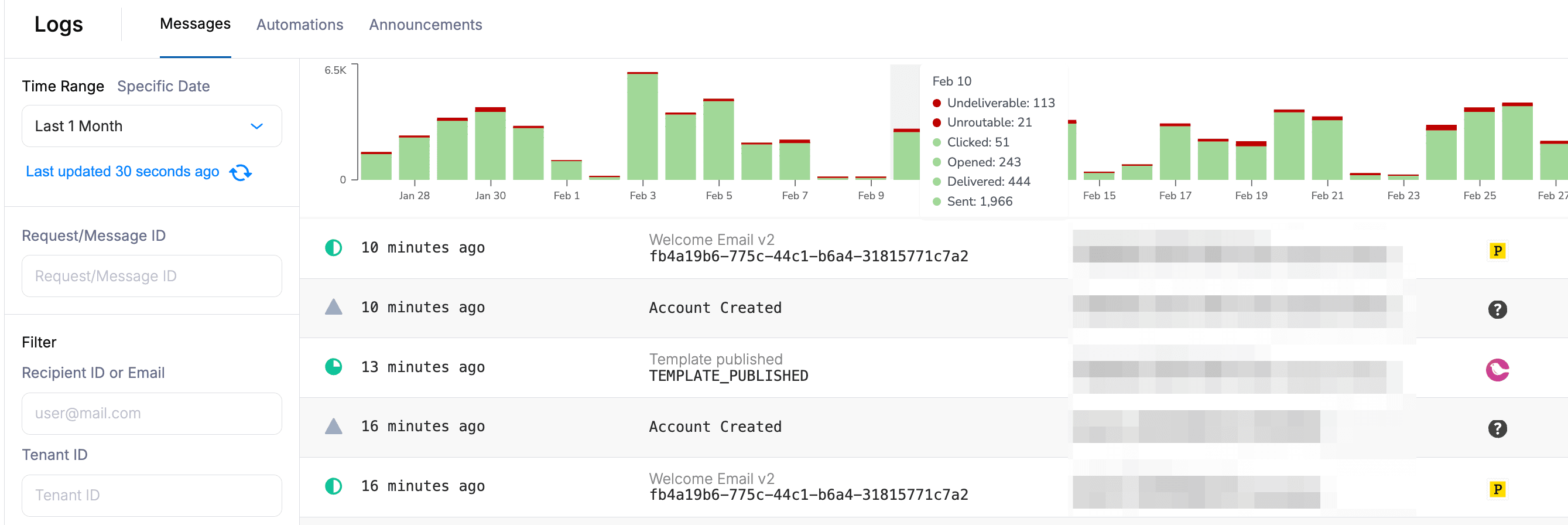
New Logs Histogram
Courier's new message logs histogram breaks down notification performance by day, with filterable date ranges for spotting delivery trends fast.
By Emily Lane
March 10, 2025
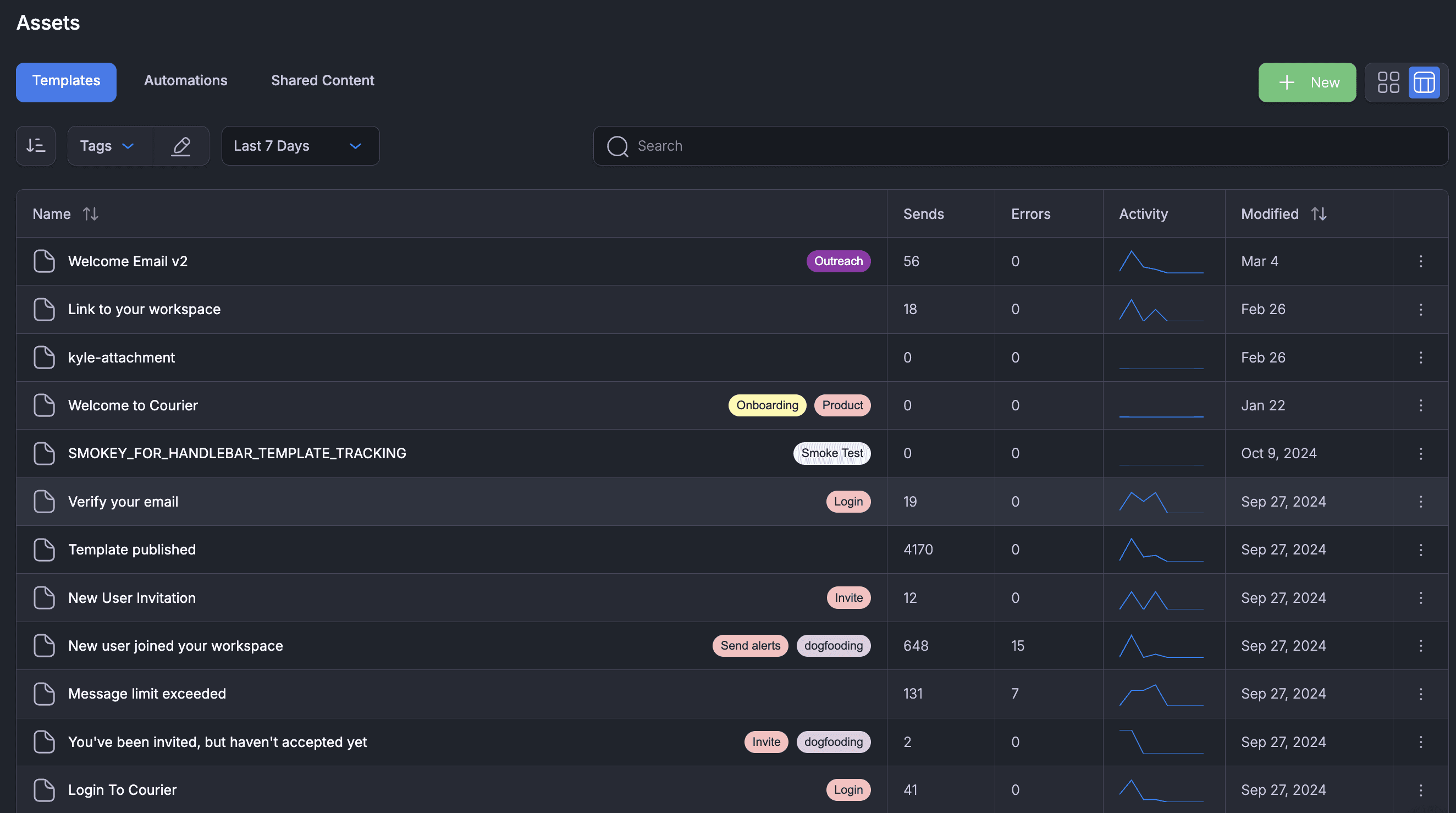
Assets Page Activity Columns
Courier's Assets page adds separate tabs for messages and automations, plus new columns showing notification performance over time.
By Emily Lane
March 03, 2025
AWS SES IAM Role Support
Courier supports AWS SES IAM role authentication, letting you send email with temporary, auto-rotated AWS credentials instead of static keys.
By Emily Lane
February 19, 2025
Inbox Sync Opt-Out
Courier now lets you un-sync email and in-app inbox events in a notification template, giving you more control over read status tracking across channels.
By Emily Lane
February 18, 2025
APNS Security Update
Apple's APNS security update takes effect March 29, 2025, but Courier customers need no changes. P8 keys and P12 certificates keep working as before.
By Emily Lane
January 20, 2025
Fixed website trailing slash
Changelog links on courier.com now resolve cleanly, with no extra trailing slash added on reload or when arriving from an external link.
By Emily Lane
October 22, 2024
New "Delivery Window" feature
Delivery Window lets you delay notifications until a set time range, using IANA timezones, so each user gets messages at the right local time.
By Emily Lane
October 15, 2024
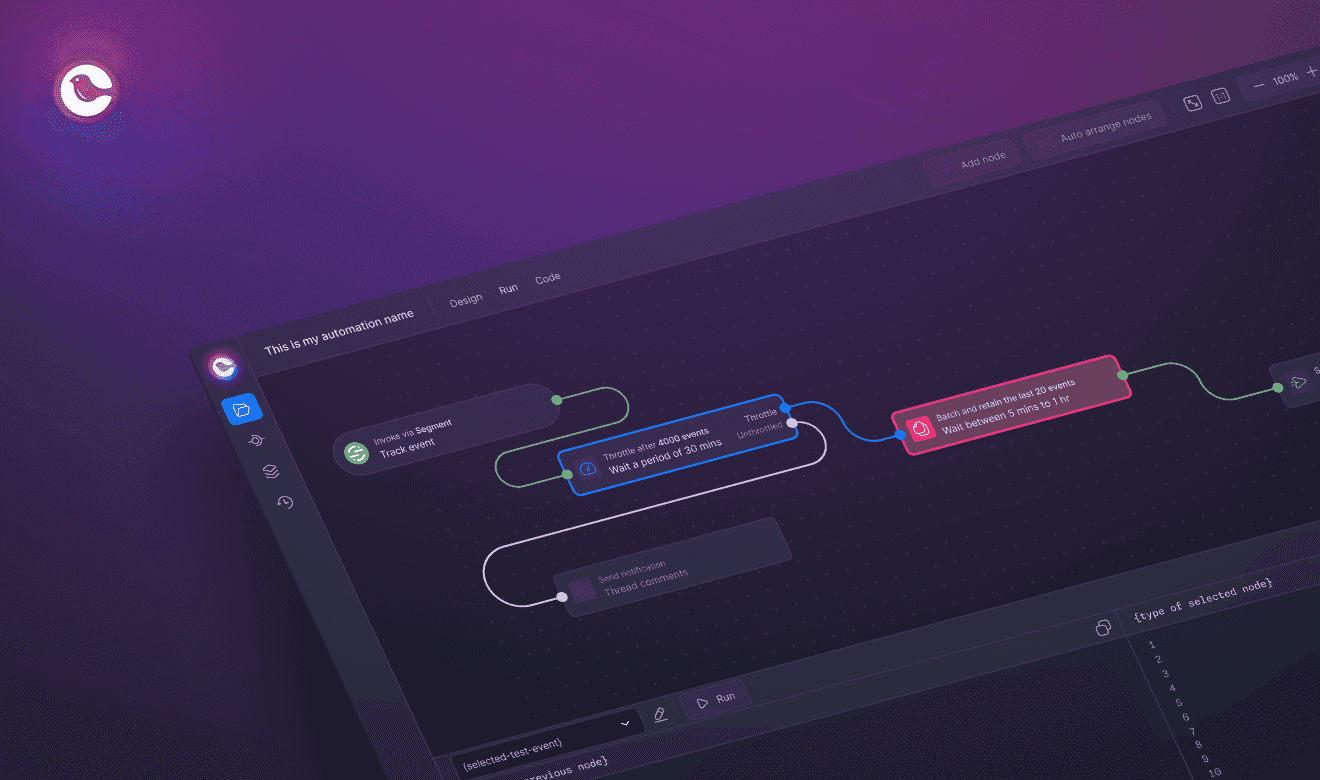
Automations debugger, validation, and GET profile node
Courier's Automations Debugger adds diff panels, test events, and error highlighting, plus a new GET Profile node for fetching data dynamically.
By Emily Lane
October 08, 2024
Introducing Custom Message Tagging for Easy Filtering
Tag messages from Notification Templates to filter them in the Inbox or via the Messages API. Available behind a feature flag; contact support to enable.
By Emily Lane
August 28, 2024
Allow Empty Profiles on POST /profiles/:user_id
Courier's POST /profiles/:user_id API endpoint now accepts empty profile objects, creating users consistently with .identify() and other profile methods.
By Emily Lane
August 27, 2024
POST /profiles/:user_id now allows empty profile creation
Courier's POST /profiles/:user_id endpoint now creates user profiles even with empty objects, aligning behavior with .identify() and other methods.
By Emily Lane
August 27, 2024
Fixed webhook payload to accurately reflect metadata.tags for outbound messages
Courier fixed an issue where outbound webhooks showed empty tags objects. Payloads now accurately reflect metadata.tags from the send request.
By Emily Lane
August 27, 2024
Empty Tags Object in Webhook Payload
Courier fixed an issue where outbound webhook payloads showed empty tags objects. Payloads now correctly reflect metadata.tags from the send request.
By Emily Lane
August 27, 2024
Message tags as a template setting
Tag messages in Courier Notification Templates to filter them in Inbox or the Messages API. Available under a feature flag; contact support to enable.
By Emily Lane
August 27, 2024
404 Error on Ad-hoc Send Retry Resolved
Send Again now reliably re-sends ad-hoc messages with fan-out across lists, tenants, and audiences on retry.
By Emily Lane
August 23, 2024
Fixed 404 error for Send Again feature on undeliverable fan-out notifications
Send Again now works for undeliverable fan-out notifications across lists, tenants, and audiences, so re-sends reliably reach every recipient.
By Emily Lane
August 23, 2024
Delayed Messages Untracked in Logs UI & API
Delayed messages now appear in Courier's logs UI and API with full metadata, closing a gap where scheduled sends were invisible until delivery.
By Emily Lane
August 16, 2024
Mobile SDKs Now Supports Archive Functions
Courier's Android, iOS, and React Native SDKs now support archive APIs, so users can swipe to remove inbox messages and declutter notifications.
By Emily Lane
August 15, 2024
Digesting the Send API
Aggregate frequent transactional notifications into scheduled digests so users get one consolidated message instead of many, no code changes required.
By Emily Lane
August 09, 2024
Automation Switch Node Bug Fixes
Courier fixed various issues with the switch node, including improved support for accessing deeply nested data, ensuring more reliable automation logic.
By Emily Lane
August 09, 2024
Tenants User Interface Field Visibility
Edited JSON fields on the Tenants page now update on screen right away, matching the saved values already used in notifications.
By Emily Lane
August 08, 2024
SES ThrottleException Handling Update Implemented
Courier now retries AWS SES ThrottleException with exponential backoff, so notifications keep sending automatically when SES rate limits are hit.
By Emily Lane
August 07, 2024
SES ThrottleException Now Triggers Retryable Error
Courier now retries SES ThrottleException errors from sendRawEmail automatically, so throttled sends recover on their own instead of failing outright.
By Emily Lane
August 07, 2024
Invoke Step Automation Error Bug Fix
Invoke automation steps now handle null values in optional fields, so automations run reliably even when some data is missing.
By Emily Lane
August 05, 2024